
The Blockstream desktop app let's you export your wallet's transaction history for record-keeping, tax reporting, or offline review.
Note: Most Blockstream app users are on mobile. To export from desktop, connect your Jade to the computer with the USB-C cable included in the box, then log in to your existing wallet or restore your wallet from your recovery phrase. For full setup steps, see the Jade Desktop Quickstart Guide.
- Open the Blockstream app and unlock your wallet.
- Click the Transactions icon in the left sidebar.
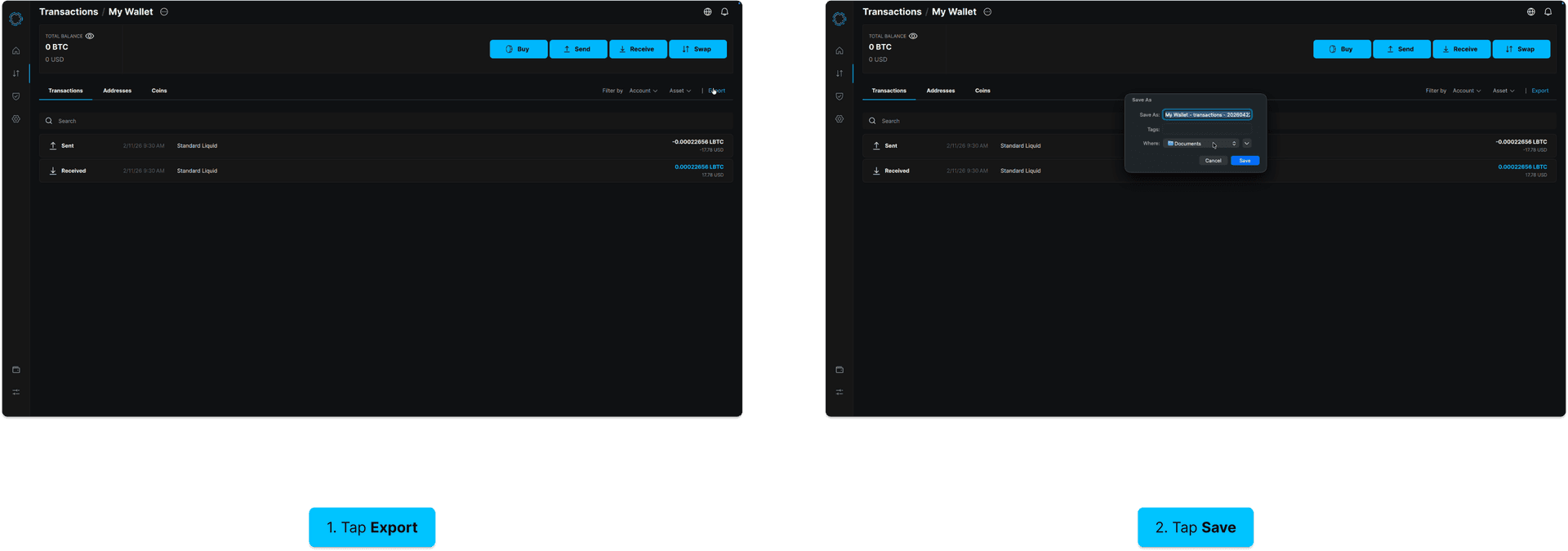
- Click Export in the top-right corner of the transaction list.
- Review the default filename, choose a save location, and click Save.
Your transaction history is saved to the location you selected.