
If a swap between bitcoin and Liquid bitcoin (LBTC) seems stuck, has not appeared in your wallet, or did not complete, your funds are protected at every stage of the swap.
This can happen for several reasons:
- The swap is still waiting for network confirmations.
- It has not confirmed yet, so nothing appears in your transaction history.
- Something prevented the swap from completing, and your funds were returned.
Wait for Network Confirmations
A swap settles with one transaction on the Bitcoin network and one on the Liquid Network, and it completes once both confirm. The Bitcoin side is usually the slow part: blocks arrive roughly every ten minutes with wide variance, and miners prioritize transactions with higher fees.
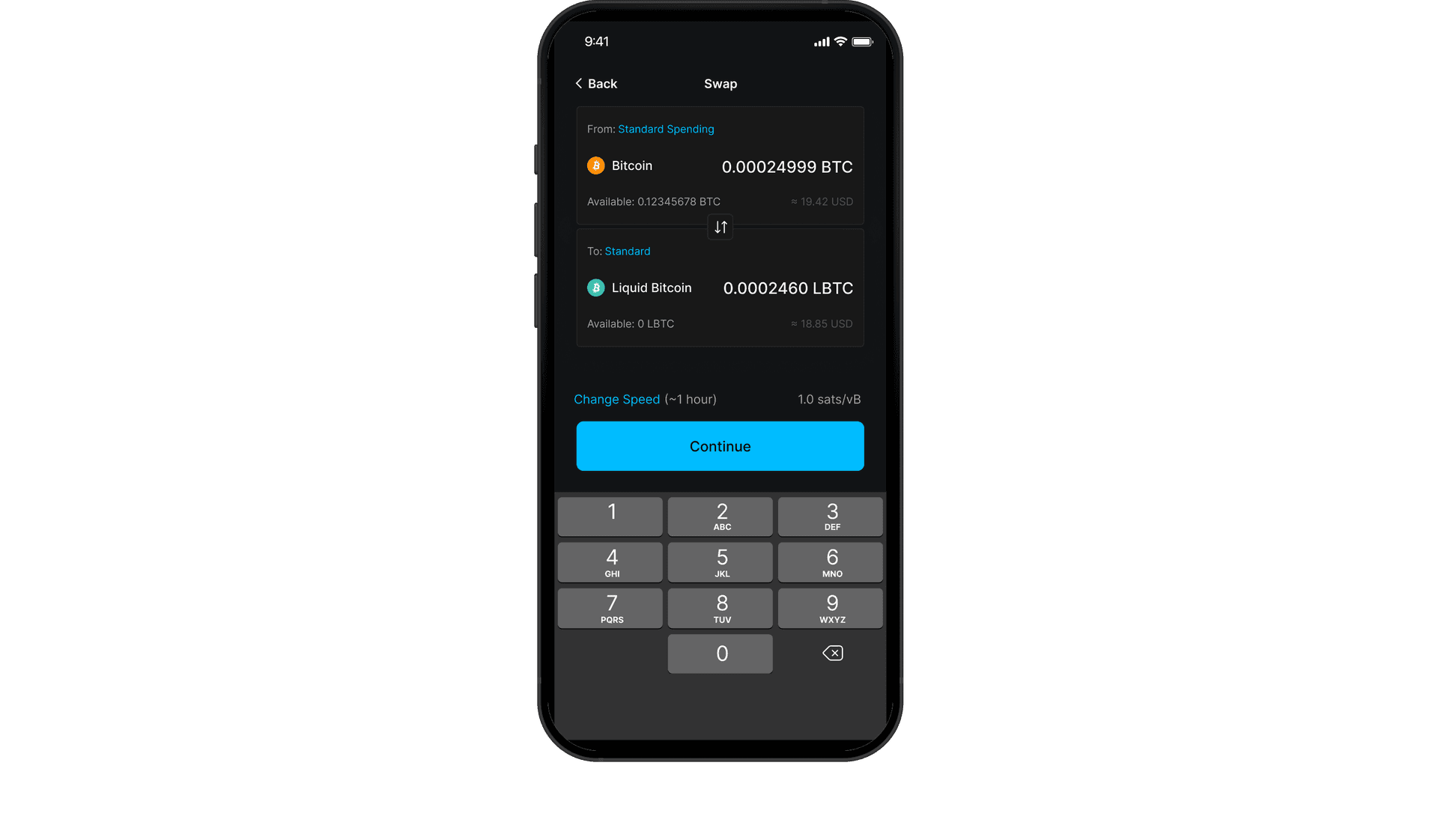
The network fee you selected with Change Speed when setting up the swap also affects confirmation time. If you chose a slower speed during a busy period, the swap can take considerably longer.
For more detail on confirmation times, see Why is my swap taking so long?
Find Your Swap in Transaction History
Once your swap confirms, you will see the transaction in your wallet's transaction history.
Note: During a swap, funds are sent to a temporary swap address which will not match the final recipient address. Seeing an unfamiliar address in the transaction details is a normal part of the swap process. Once the swap completes, the swapped asset is delivered to the destination address.
Make sure you are checking the wallet you swapped from. The Blockstream app can hold multiple wallets on one device, and the swapped asset arrives in the account that matches its network. For step-by-step checks, see What to do if a wallet, transaction, or swap is not showing in the Blockstream app. If your balance still looks wrong, see Fix issues with unexpected wallet balance.
If Your Swap Could Not Complete
Swaps are atomic: both sides of the exchange either complete together or fail together, and no third party holds your funds at any point. Read more about how this works in the on-chain swap glossary entry.
If a swap cannot complete, your funds are returned to your wallet automatically through the swap's built-in refund path once its time limit expires. The refund is itself an on-chain transaction, so it also needs to confirm before it appears in your transaction history.
Note: Swaps from a Jade-secured wallet include the same protection. If a swap does not settle, the app completes the refund automatically.
Need More Help?
If your swap has not completed or been refunded after waiting for network confirmations, submit your log data to Blockstream support. Tap Settings in the bottom navigation bar, tap Support, enter your email address and a description of your issue, make sure Share Logs is checked, and tap Submit.
Do not include your recovery phrase, PIN, or any 2FA codes. Support will never ask for them.