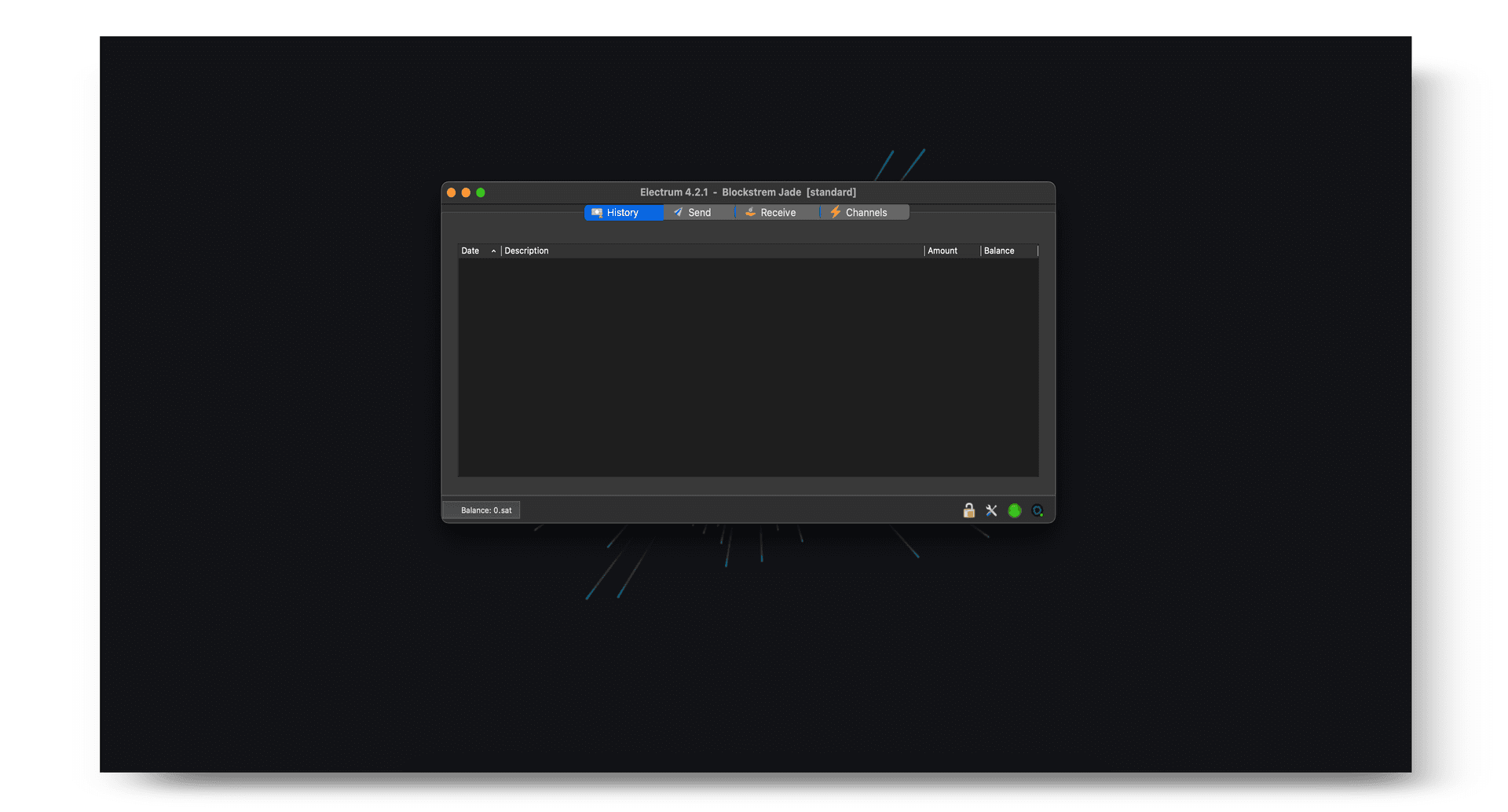
Electrum is a popular Bitcoin wallet that supports Jade. Electrum's focus is on simplifying Bitcoin and on fast operation with low resource usage.
Before beginning, ensure you have initialized your Jade device. Review Electrum's documentation to further understand the platform. Do not proceed without understanding how Electrum works.
1.
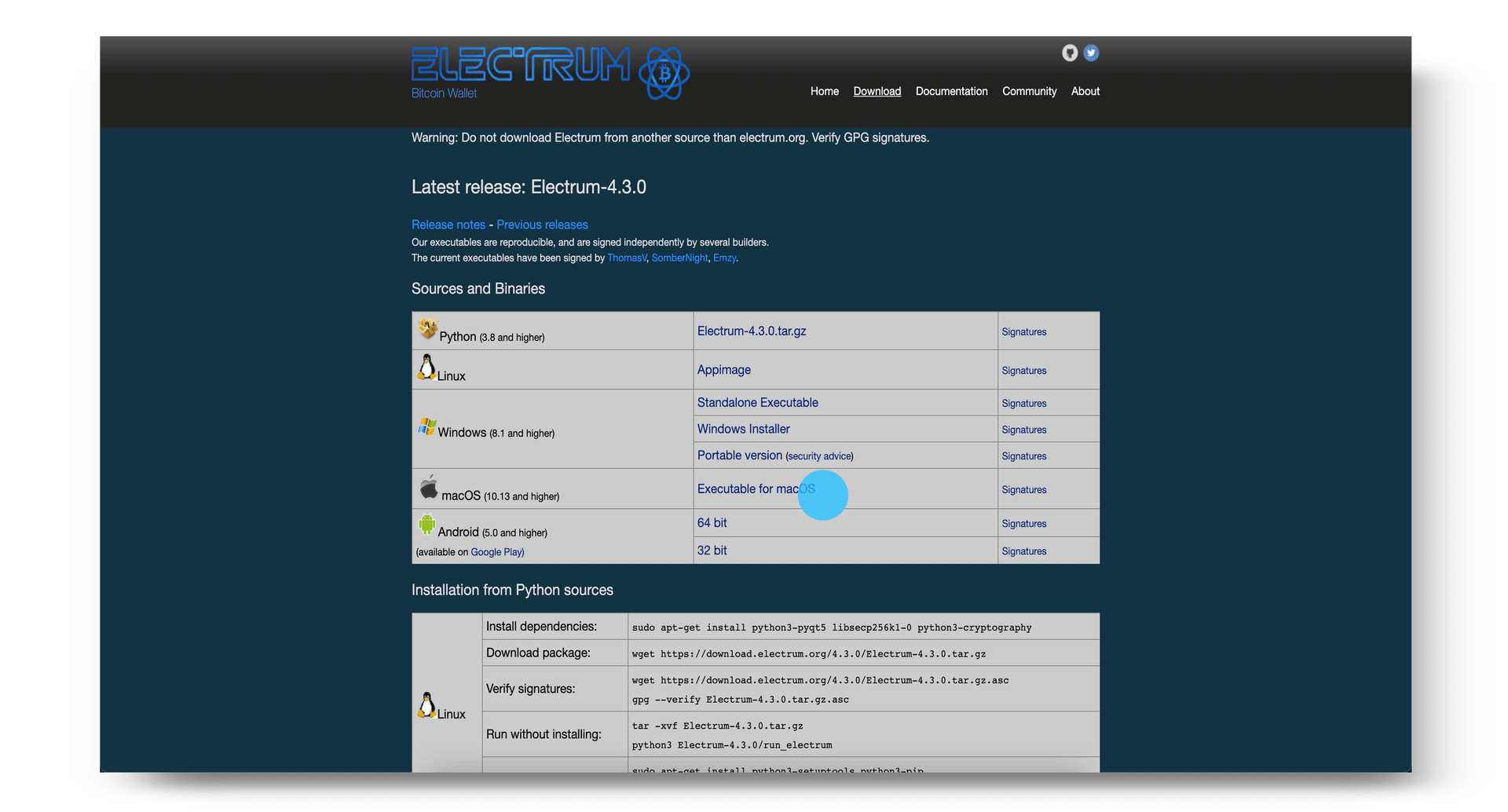
Download Electrum.
2.
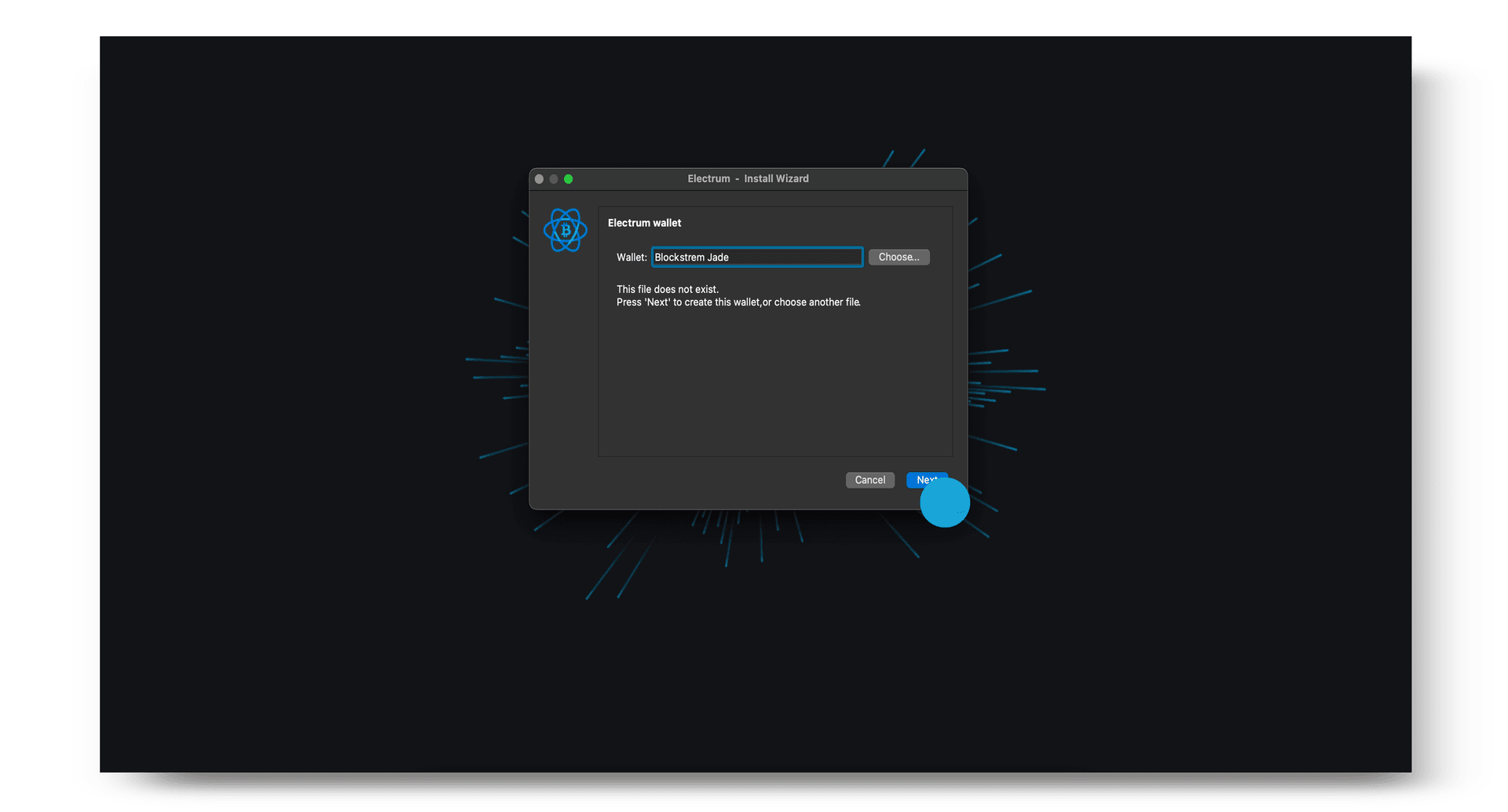
Enter a name then click Next to create a new wallet.
3.
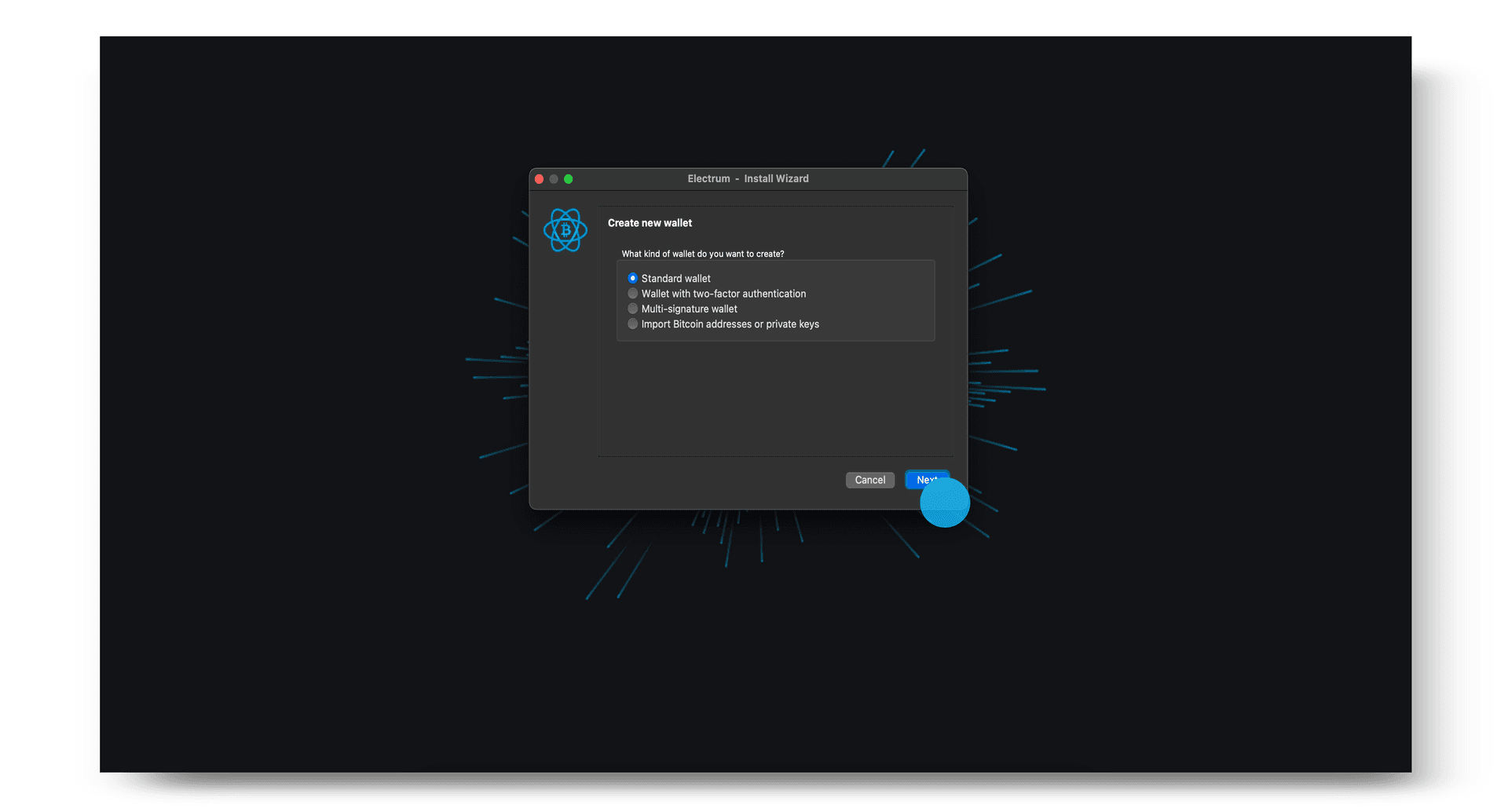
Choose the type of wallet you would like to create, then click Next. If you are not sure which option to select, choose Standard wallet.
4.
Select to Use a hardware device and connect your Blockstream Jade via USB.
Tip: Before connecting your Jade, make sure the Blockstream app is not open. If it is, this may cause issues preventing Electrum from detecting your Jade.
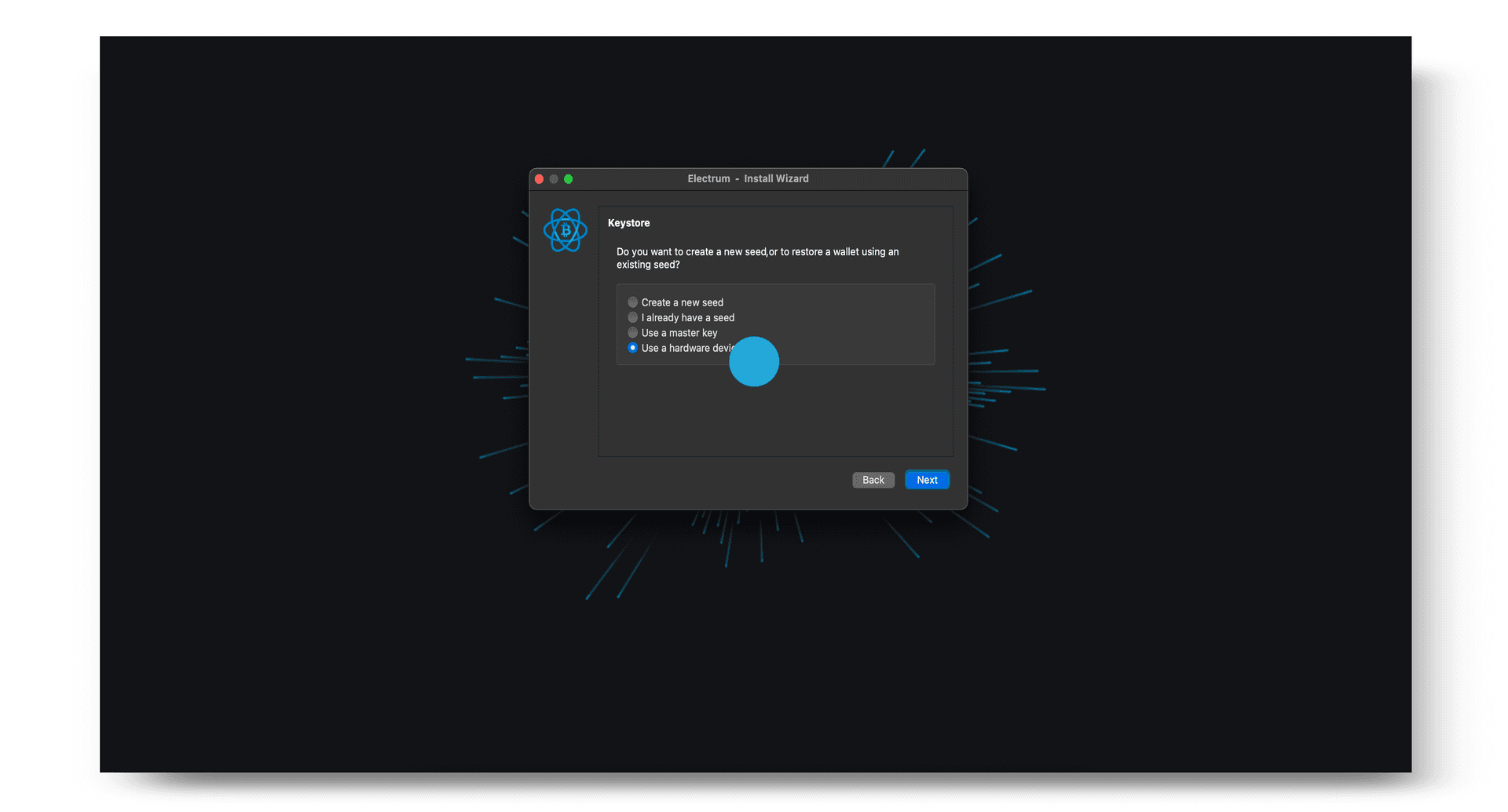
5.
Choose your Jade from the list of hardware devices then click Next. You will then be prompted to enter your PIN on Jade.
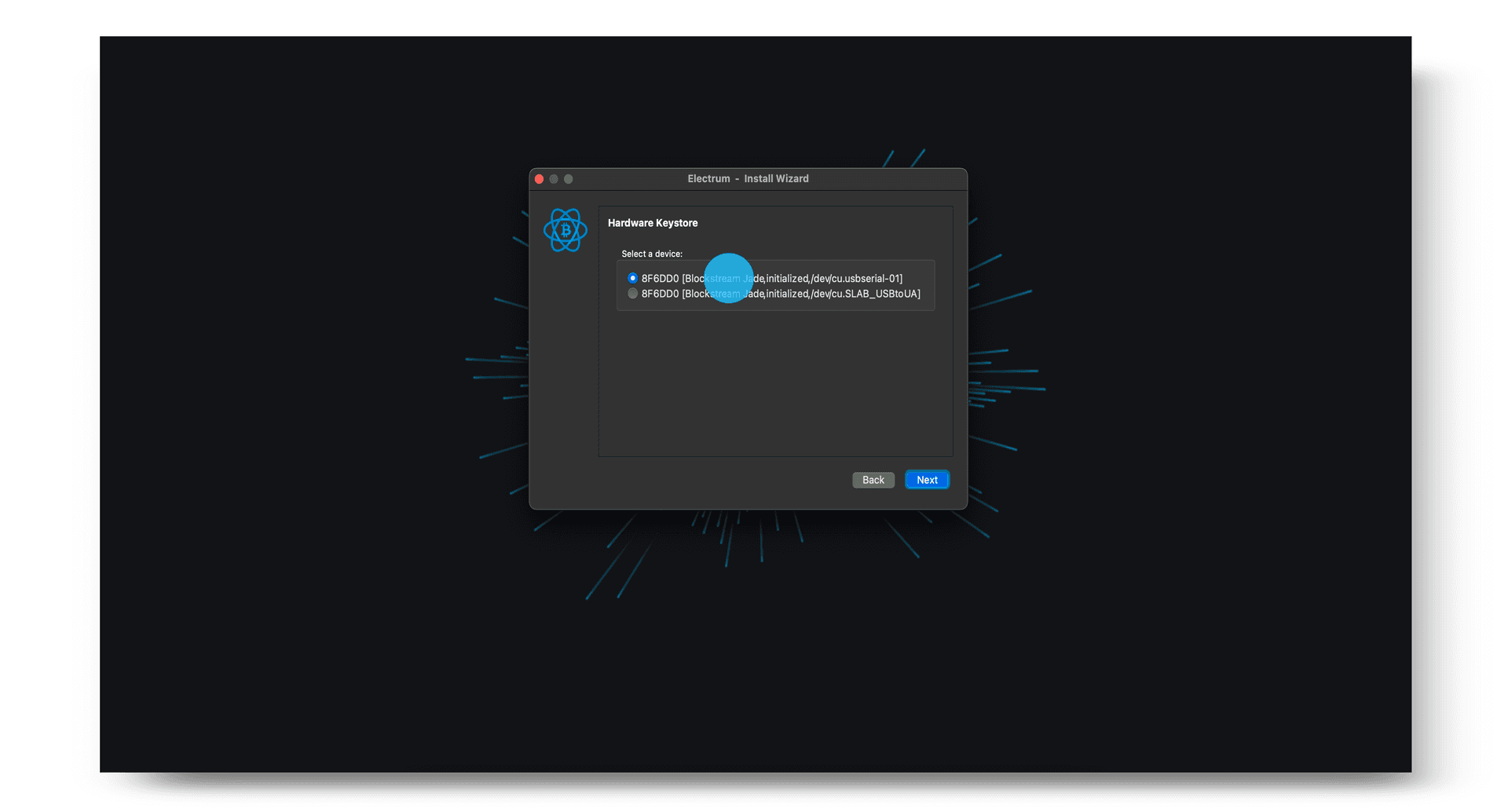
6.
Select your desired address type and derivation path. After clicking Next, you will be asked whether or not you would like to encrypt your wallet. If you would like to view your transactions without Jade plugged in, choose not to encrypt your wallet.
Note: If you have previously used Jade as a singlesig wallet with the Blockstream app and would like to view your transactions in Electrum, make sure the address type matches the account type that contains your funds in the Blockstream app. You will also need the derivation path to match as well.
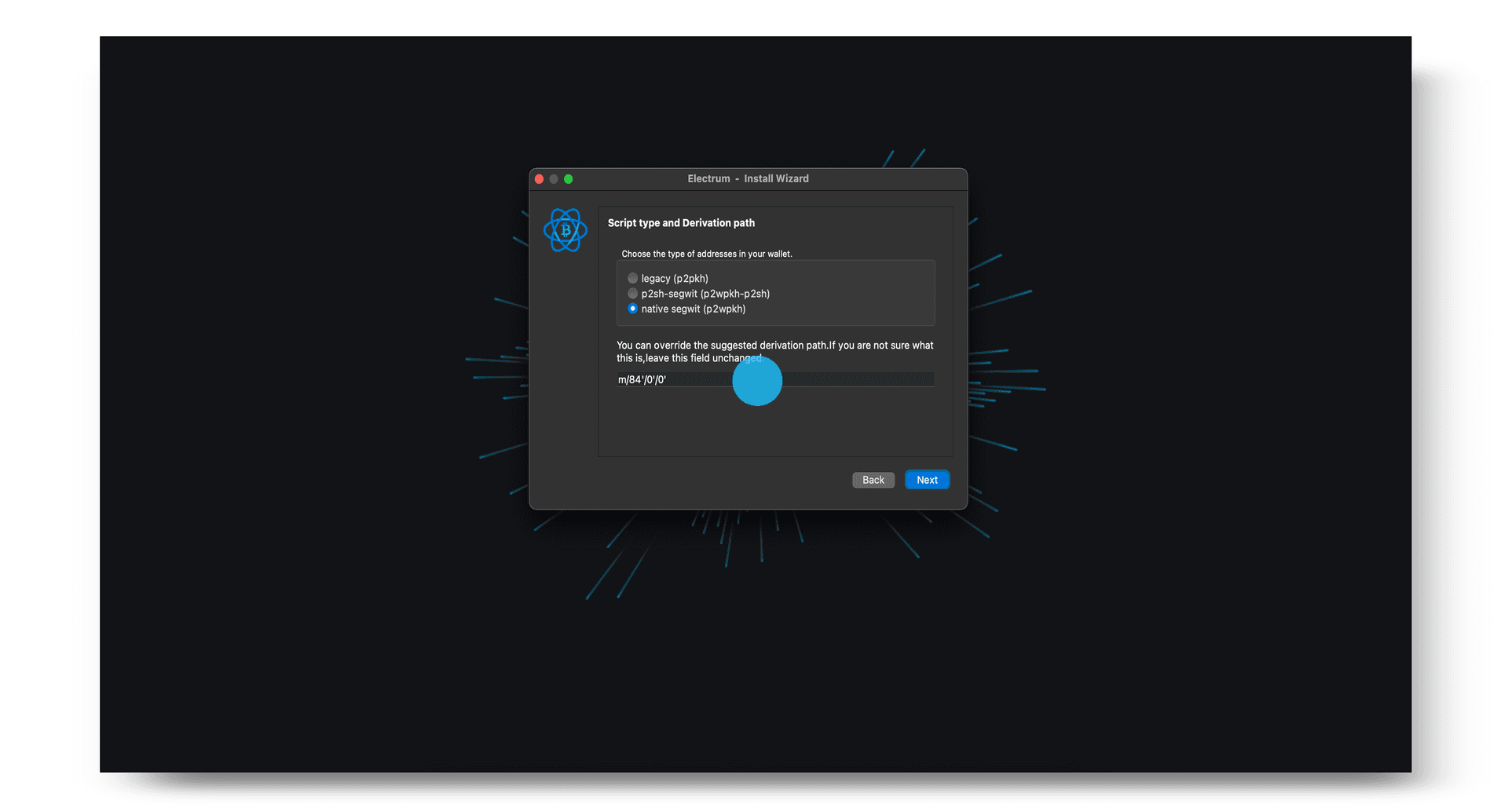
7.
You have now successfully set up your wallet and you can begin receiving, storing, and spending your bitcoin using Electrum and Jade.
Tip: If you were previously using Jade with the Blockstream app as a Multisig Shield wallet, you should not expect your new Electrum wallet to show the same balance—these are different wallets. To access your Multisig Shield wallet again, simply connect your Jade back to the Blockstream app.