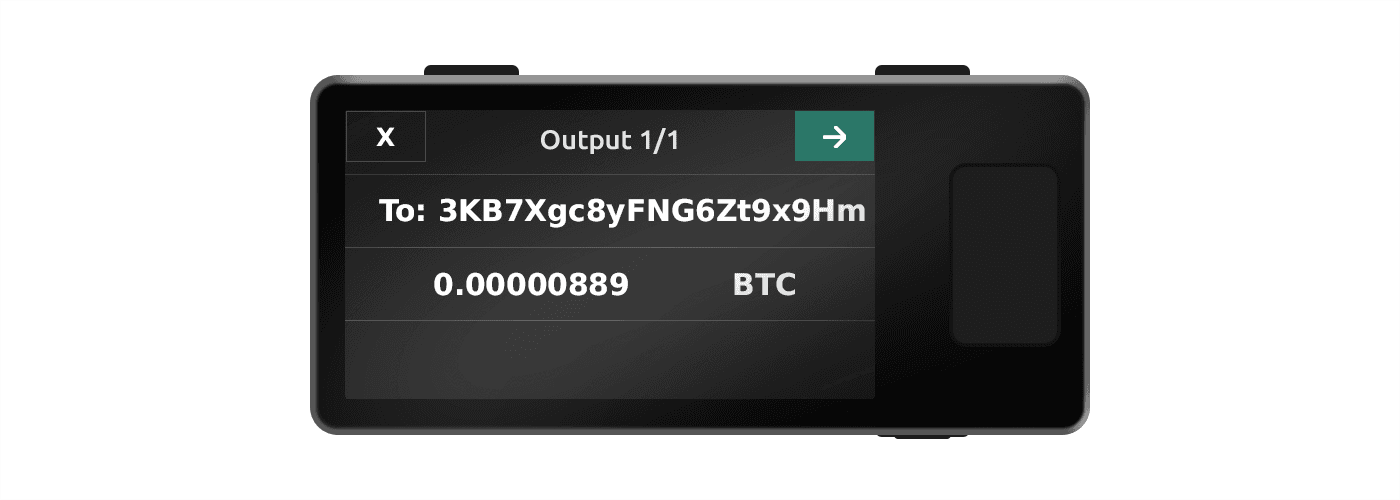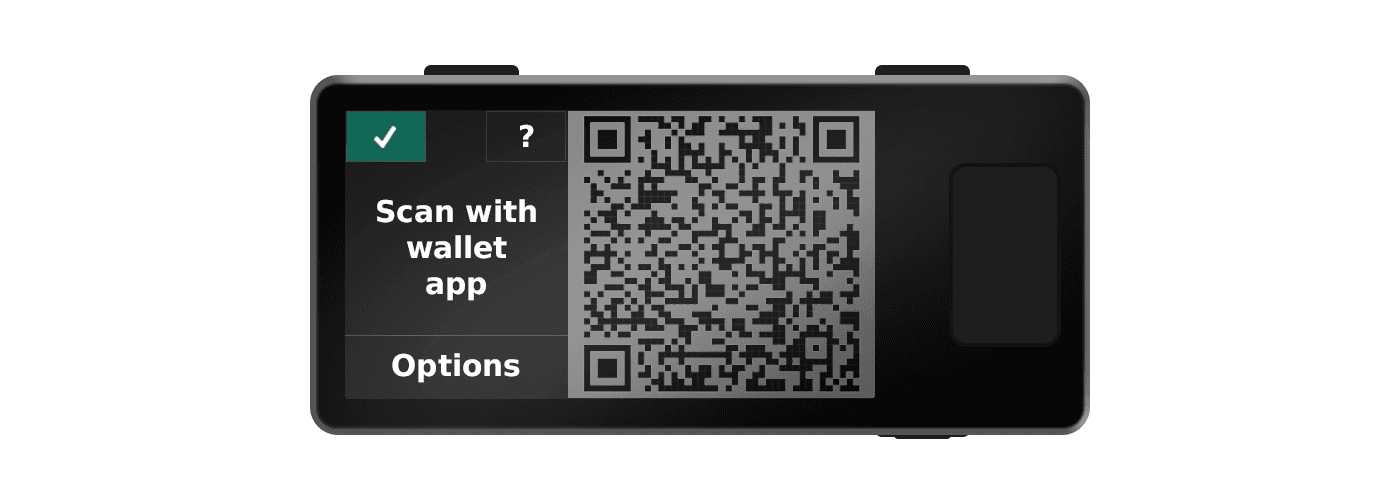
In order to send bitcoin with your air-gapped Jade Plus, you will need to create a transaction using a companion app and pass the information to Jade Plus using QR codes for authorization (or "signing"). After signing the transaction, Jade Plus will display this information back as animated QR codes for the same companion app to scan so that it can be broadcast to the Bitcoin network.
Jade's signed transaction QR should be scanned by the same wallet app that created the transaction. The Blockstream app can only finalize and broadcast transactions for wallets it manages, so scanning a transaction created in another app can fail with errors such as "could not finalize input".
Note: QR mode supports Bitcoin transactions only. Liquid is not supported via QR. To send or receive Liquid assets, connect Jade to the Blockstream app using USB or Bluetooth.
This guide demonstrates air-gapped use with Sparrow. Please refer to your wallet app's specific instructions if not using this companion app. Wallet-specific QR guides are available for Sparrow, Nunchuk, Specter, and BlueWallet.
1.
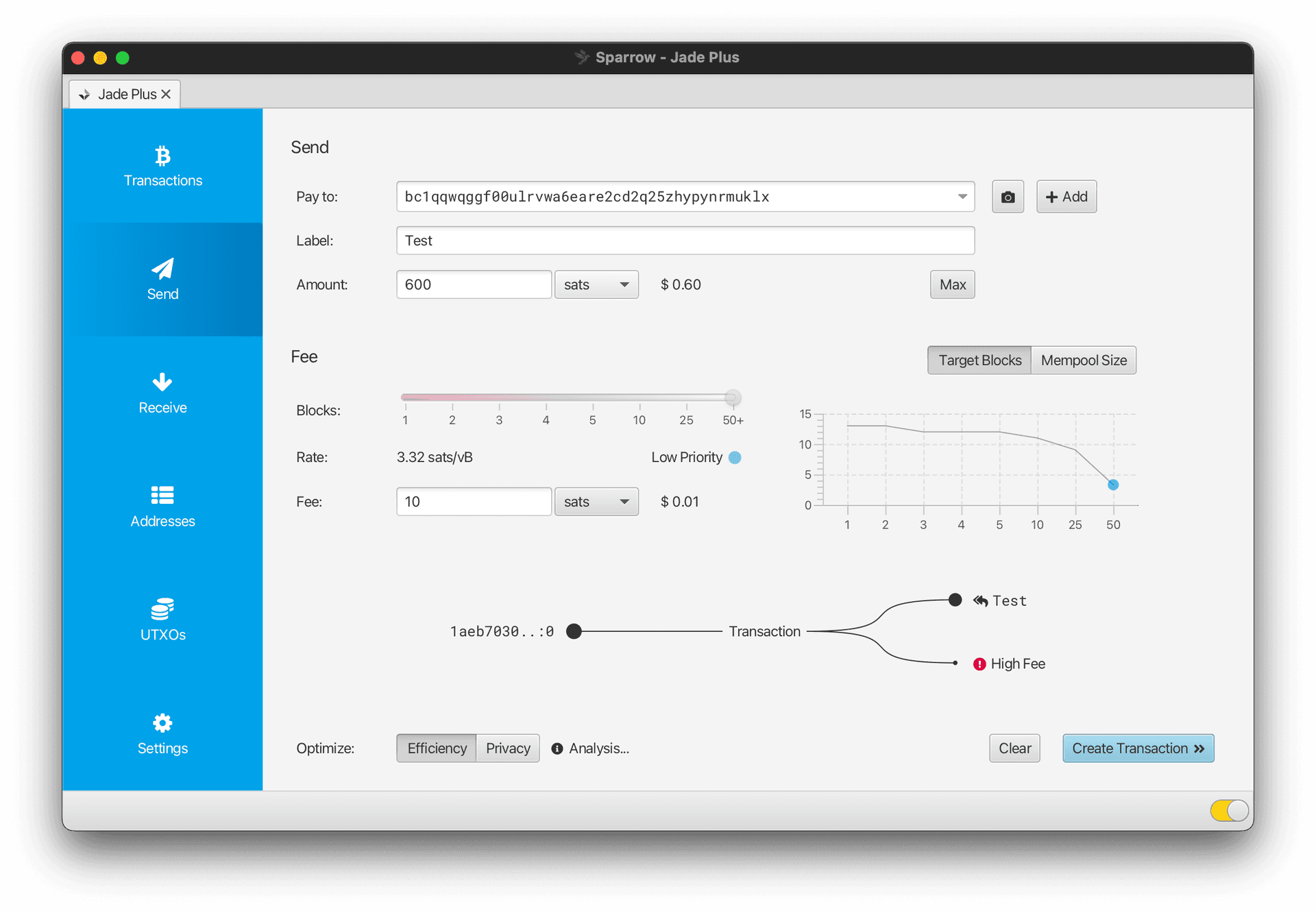
Open your QR-compatible companion app and create a new transaction by entering the recipient's address and the intended amount to send.
2.
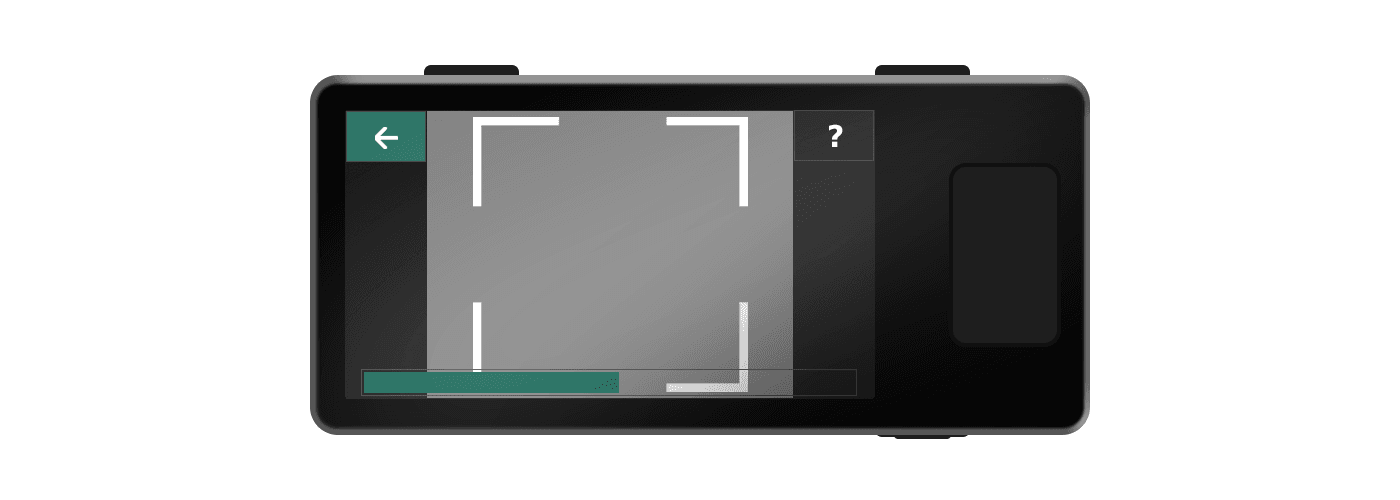
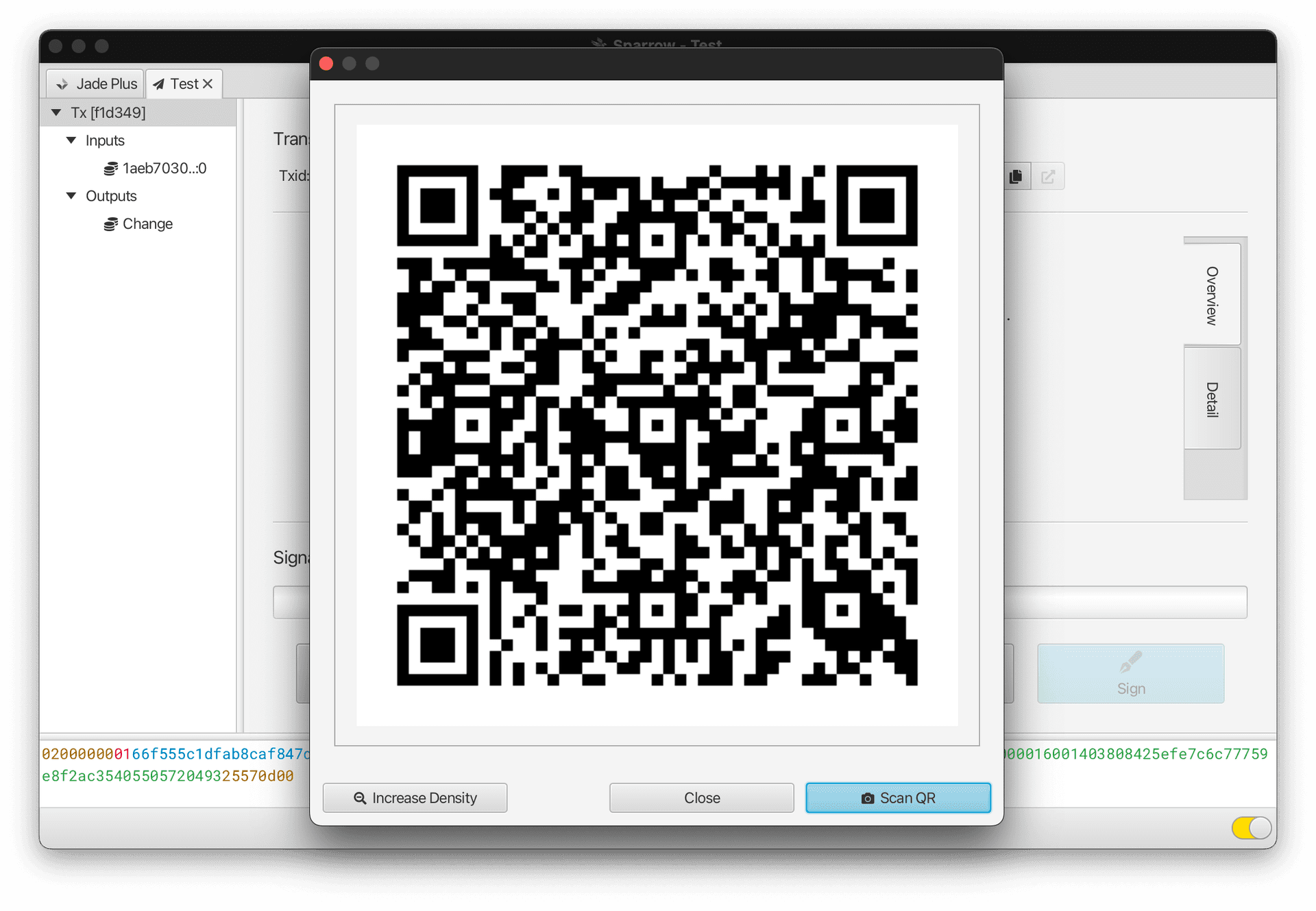
Choose to show your unsigned transaction in a QR code format, then start an air-gapped Jade Plus session and select Scan QR. Point the camera at the animated QR code until the progress bar is filled.
Tip: Lower the QR density on your companion app if you are having trouble reading the QRs.
3.
Confirm on Jade Plus that both the address and the amount match what you intended. Select the checkmark when you are ready and the signed transaction will be displayed as an animated QR code on Jade Plus. Choose to scan the QR in the wallet app you created the transaction with, scan the animated QR display until the progress bar is full, then broadcast the transaction to finish sending.
For multisig wallets, complete this step in your multisig coordinator, such as Sparrow on desktop or Nunchuk on mobile. Jade adds its signature to the transaction; the coordinator that holds your wallet configuration combines the signatures, finalizes the transaction, and broadcasts it.
Tip: Click Options on Jade Plus and lower the density or frame rate settings if your app is having trouble scanning the QRs.