Besides its traditional use as a hardware wallet, you can use your Jade as a stateless signing device.
A stateless signing device typically refers to hardware that does not store any wallet information and requires you to manually input your recovery phrase for every session. This operation mode is helpful for some users, especially those who have multiple different seeds for a multisig wallet, or those looking for fast access to Jade in an air-gapped manner.
When using Jade as a hardware wallet with PIN, your seed is encrypted in cooperation with a blind oracle. This requires Jade to communicate with a companion device to perform the decryption. However, using Jade as a stateless signing device does not require any PIN entry or communication with a companion device.
Note: Many users prefer stateless signing because there is nothing of value to steal from the locked device. However, even when using Jade in a more traditional hardware wallet manner with PIN, all stored wallet information is encrypted, thus uniquely protecting it from the threat of physical key extraction if found by itself.
Stateless Signing Methods
In order to use Jade as a stateless signing device, you will need a recovery phrase or a SeedQR (preferred), both of which you can create using Advanced Setup. If your Jade is already set up and you need to create a SeedQR, you can do so by entering your recovery phrase manually in the Temporary Signer flow, explained below.
Scan SeedQR
Note: This feature is available for Jade Plus only.
This path is optimized for air-gapped QR users and does not support a USB or Bluetooth option. If you would like to connect Jade with these communication methods, view the Temporary Signer flow below.
1.
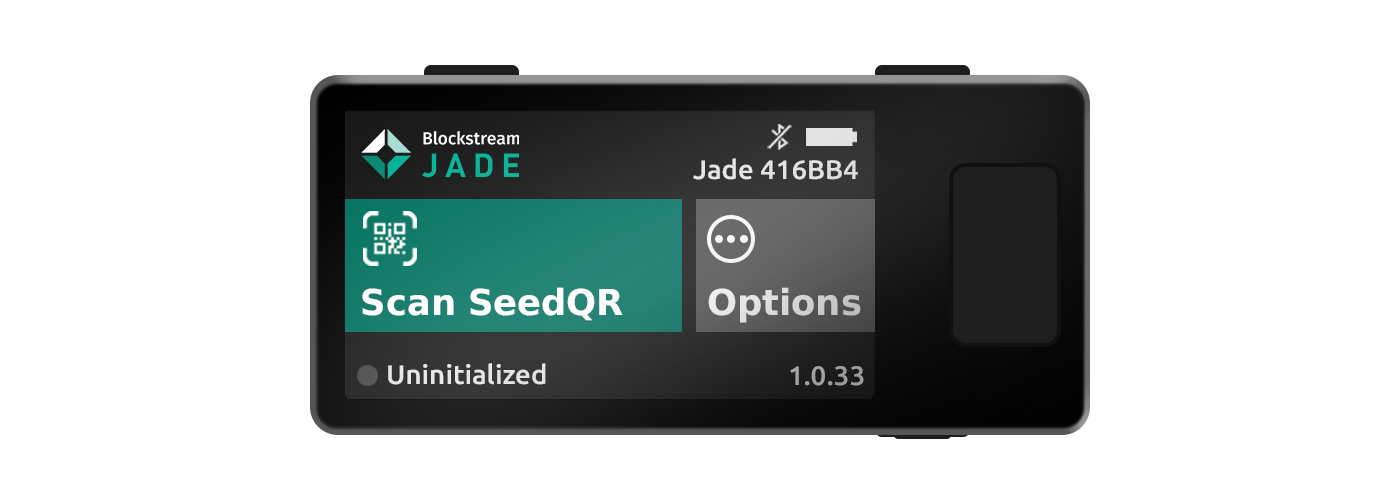
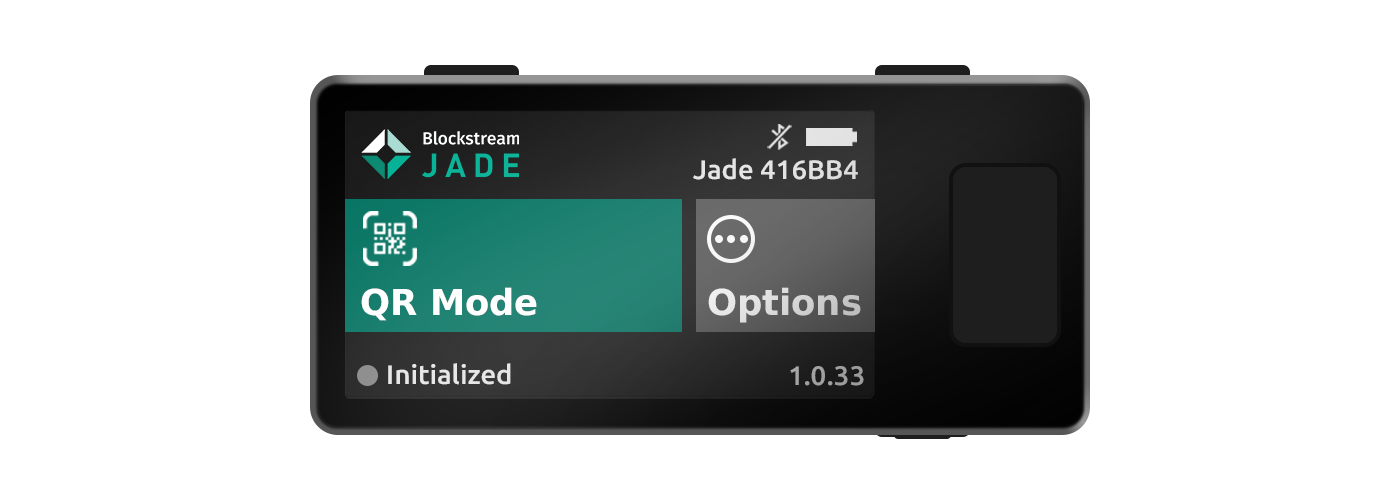
Turn on Jade and navigate to Scan SeedQR. For uninitialized Jades this option will be in the main menu, while initialized Jades will have this option under the QR Mode menu.
2.
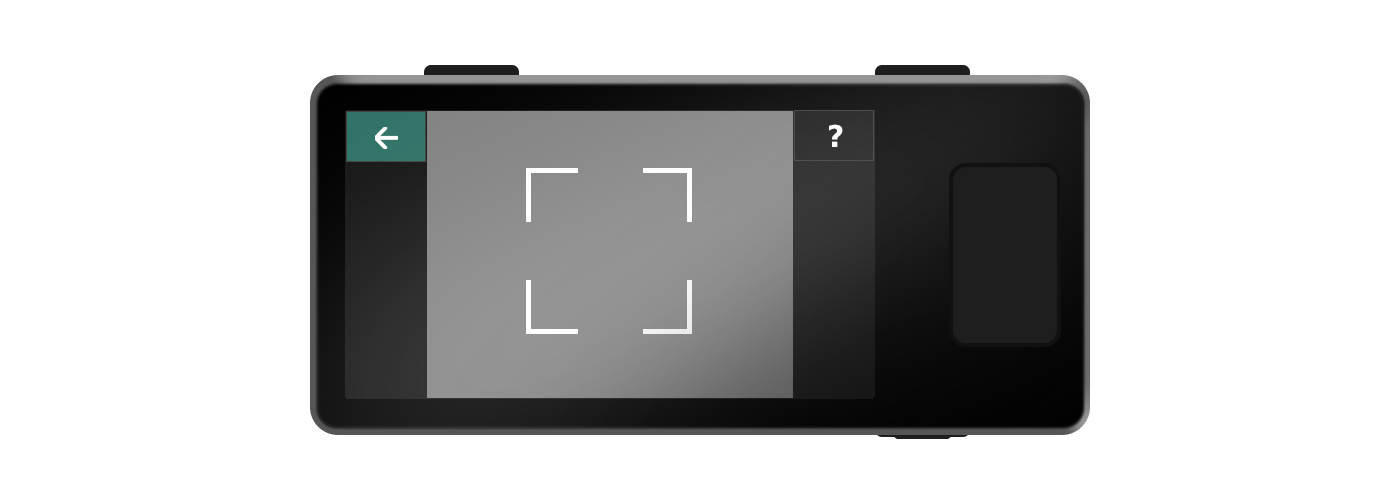
Scan your SeedQR with Jade's camera. Once detected, your seed will load automatically and be ready for use.
Tip: If you have multiple SeedQRs for a multisig setup, you can easily switch between seeds by using the Scan QR button within an active session.

Enter Recovery Phrase or Scan SeedQR
1.
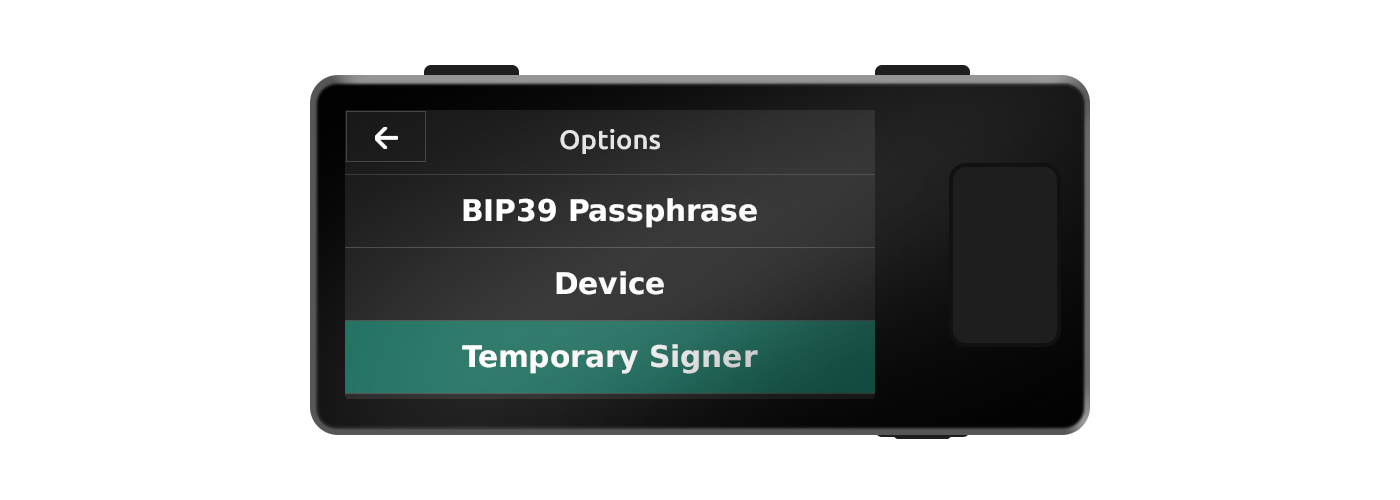
Turn on Jade and navigate to Options → Temporary Signer.

2.
Choose to enter your recovery phrase manually or scan a supported QR code. Then select your communication method and your seed will load to Jade and be ready for use.