
If you cancel a swap or one fails after your deposit has been received, Blockstream Swaps returns your deposit on-chain through a refund. The hash-locked contract lets your deposit be returned even when the swap cannot complete.
What happens when you cancel depends on the swap direction and whether your deposit has already been detected by the swap service.
Before Your Deposit Is Detected
If your deposit or payment has not yet been broadcast or detected, cancelling closes the swap with no further action needed.
1.
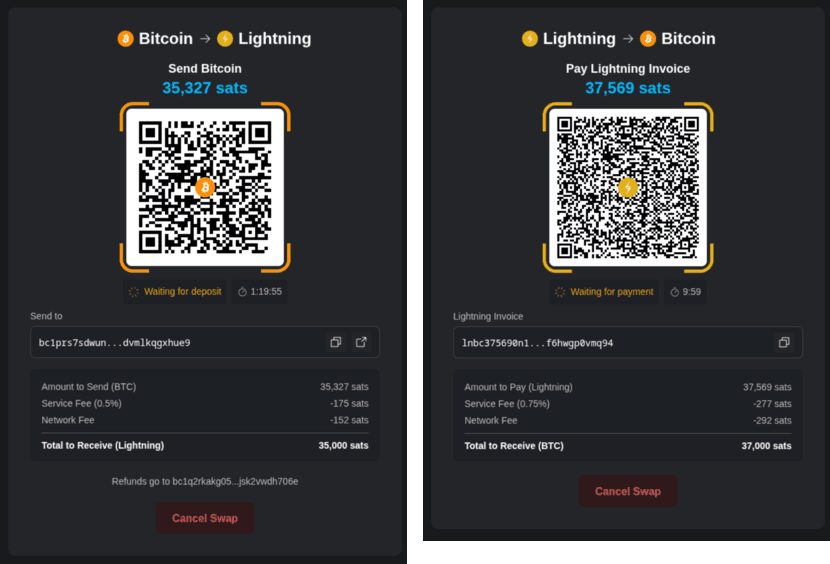
On the swap screen, click Cancel Swap.
2.
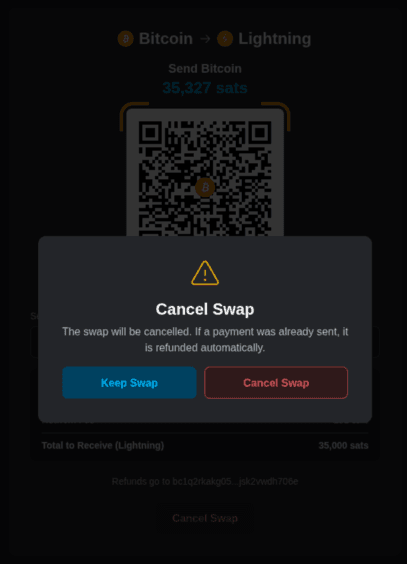
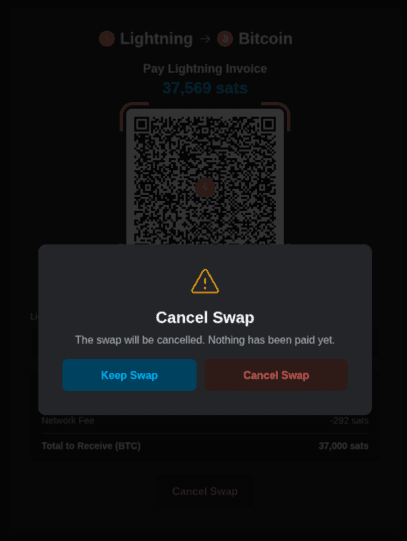
A confirmation dialog appears, depending on the swap direction:
- Bitcoin to Lightning: The swap will be cancelled. If a payment was already sent, it is refunded automatically.
- Lightning to bitcoin: The swap will be cancelled. Nothing has been paid yet.
3.
Click Cancel Swap to confirm, or Keep Swap to return to the swap.
4.
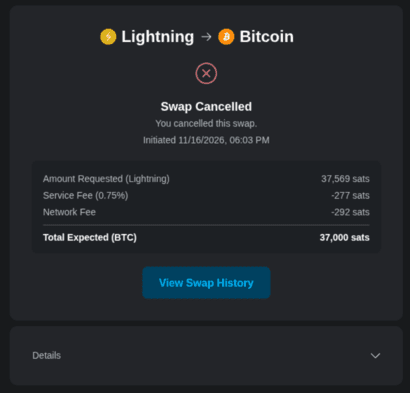
You will see the Swap Cancelled confirmation. Click View Swap History to return to your dashboard.
After Your Deposit Is Detected
Note: This section applies to bitcoin to Lightning swaps. In a Lightning to bitcoin swap, you cannot cancel once you have paid the Lightning invoice.
If your deposit has already been received by the swap service, cancelling triggers a refund.
1.
On the swap screen, click Cancel Swap.
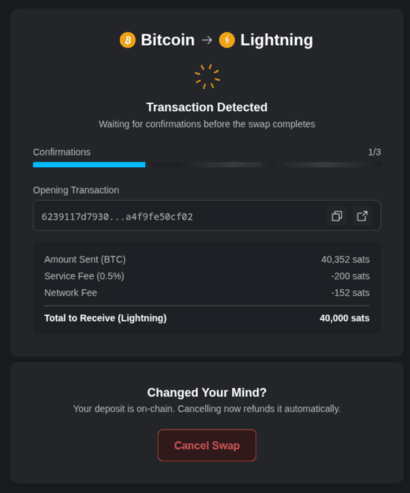
2.
A confirmation dialog appears: Your deposit is on-chain. Cancelling now refunds it automatically.
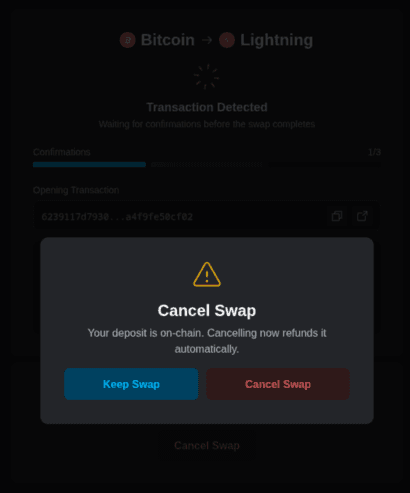
3.
Click Cancel Swap to confirm. The screen switches to the refund details below.
Track Your Refund
The refund starts automatically in two cases: a bitcoin to Lightning swap cancelled after your deposit is received, or a swap with the status Failed in your Swap History. The refund goes to the Bitcoin Refund Address you entered when you created the swap.
1.
Open the cancelled or failed swap. The screen shows Swap Cancelled and the Refunding to your address details.
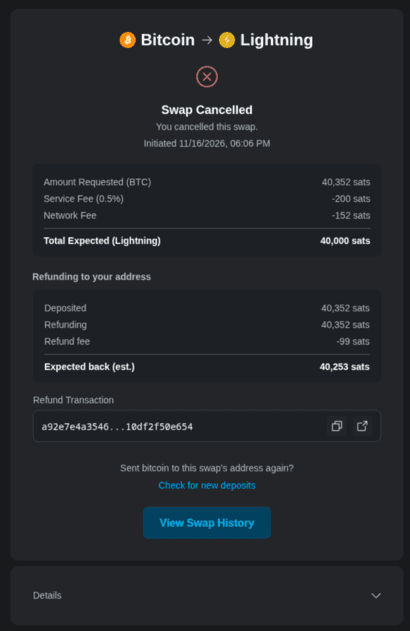
2.
Review the refund details:
- Deposited: the amount you sent.
- Refunding: total amount of refund to be processed.
- Refund fee: the estimated fee to process this refund.
- Expected back (est.): the net amount that will be refunded to your address.
3.
If you accidentally sent more than one transaction to this address, click Check for new deposits.
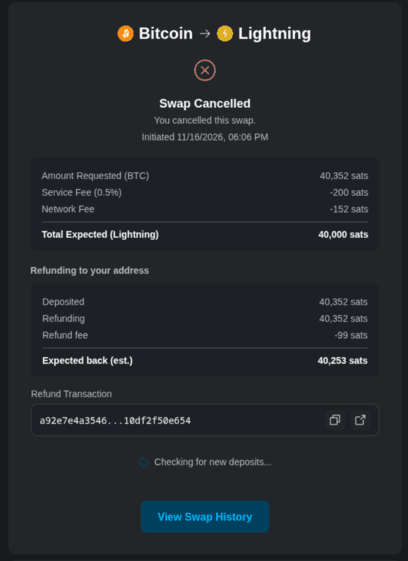
When the refund transaction ID is available, it appears in the Refund Transaction section with copy and explorer-link icons.
In Swap History, the swap shows Refunding until the refund transaction has completed.

4.
When the refund is broadcast on-chain, the section changes to Refunded to your address, and Expected back (est.) changes to Returned (BTC).
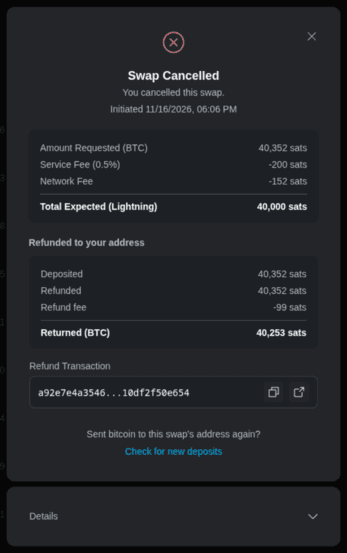
In Swap History, the label changes from Refunding to Refunded.

5.
Click View Swap History to return to your dashboard.
The refund transaction is a real bitcoin on-chain transaction, so it pays a miner fee. Blockstream does not charge a service fee on refunds. The only deduction is the on-chain network fee.
If you open Blockstream Swaps in a different browser or on another device, restore your swaps backup first to see the swap and its refund. See Restore your swaps backup.
For how the contract protects your deposit, see How does Blockstream Swaps protect my funds?