
You can restore your swaps backup to access your swap history and any in-progress refunds on a new device or browser.
1.
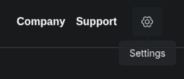
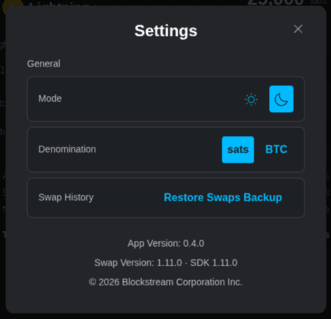
Click the Settings icon in the top-right corner of the header, then click Restore Swaps Backup.
2.
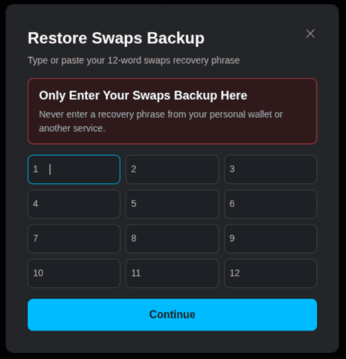
Type or paste each of your 12 recovery phrase words into the numbered fields, then click Continue.
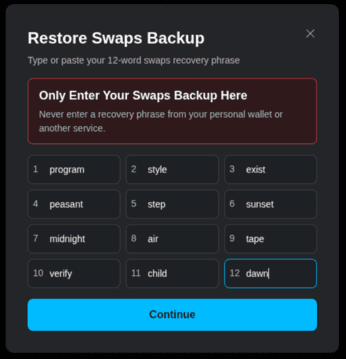
Note: The recovery phrase in this screenshot is an example for demonstration purposes only. Never use it to store real funds.
3.
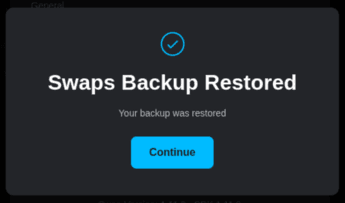
When you see Swaps Backup Restored, click Continue.
4.
Your Swap History opens.
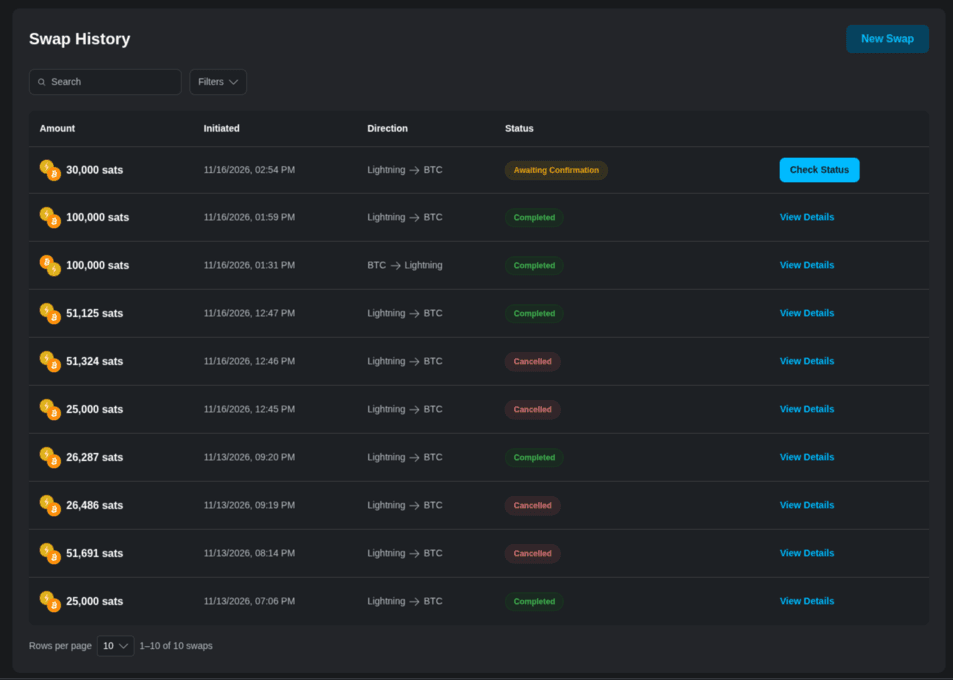
Your swaps backup is restored. You can now review past swaps, check in-progress swaps, and start new ones from your Swap History.
To understand why a swaps backup is required, see Why do I need a swaps backup?