Blockstream Explorer API is a powerful interface for developers, analysts, and enterprises who want direct programmatic access to Bitcoin and Liquid blockchain data. With Explorer API, you can query blocks, transactions, addresses, and asset data in real time.
Follow these steps to create your Explorer API account:
- Navigate to the Blockstream Explorer dashboard.
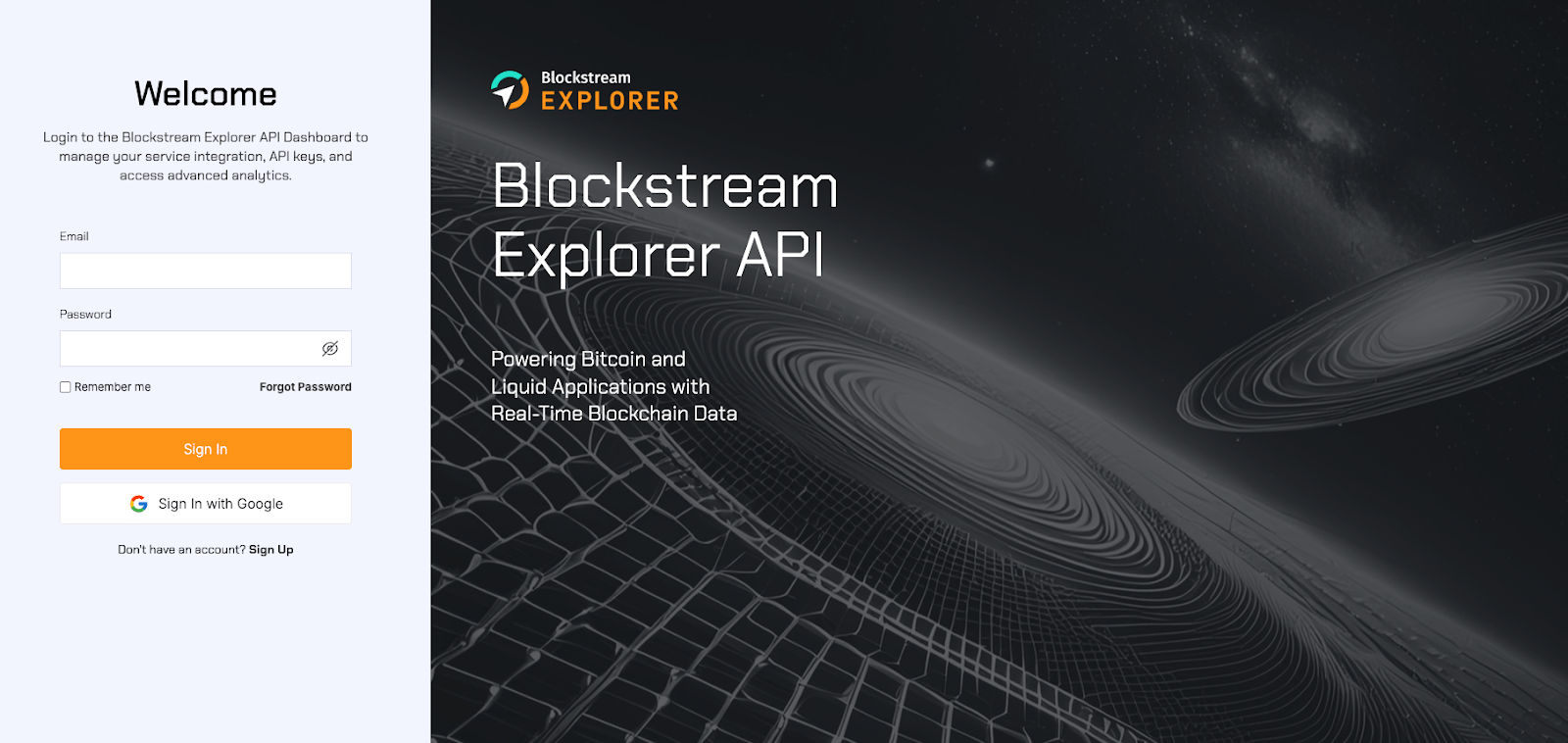
- Click Sign Up to register an account with your preferred email and password, or sign in directly with an existing Google account.
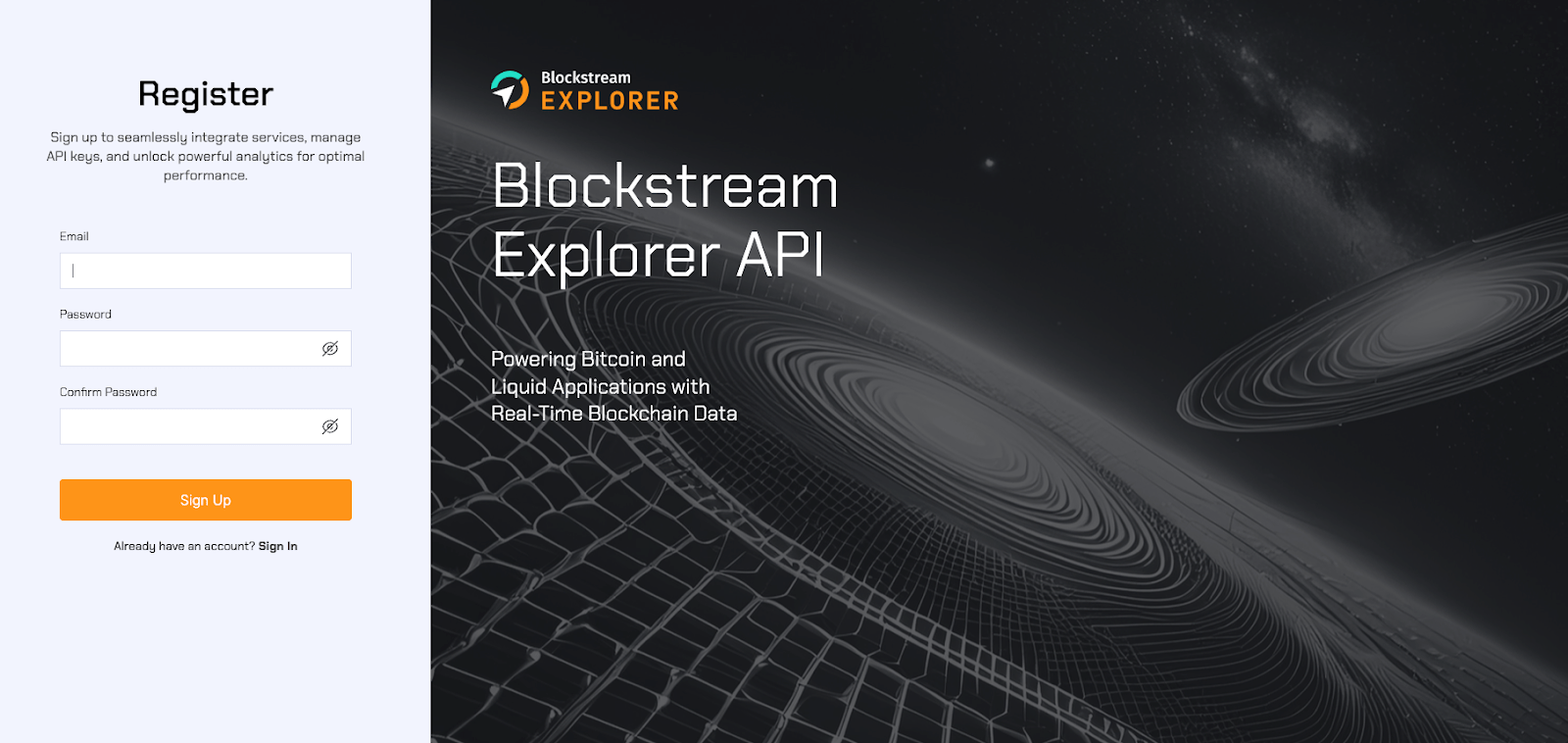
- Type your email address, enter and confirm your password, then click Sign Up.
- Check your inbox for a verification email. After confirming your email address, you will be redirected to the Blockstream Explorer dashboard so you can log in to your account. If you don’t receive the confirmation email in 5-10 minutes, click Resend to get a new verification email.
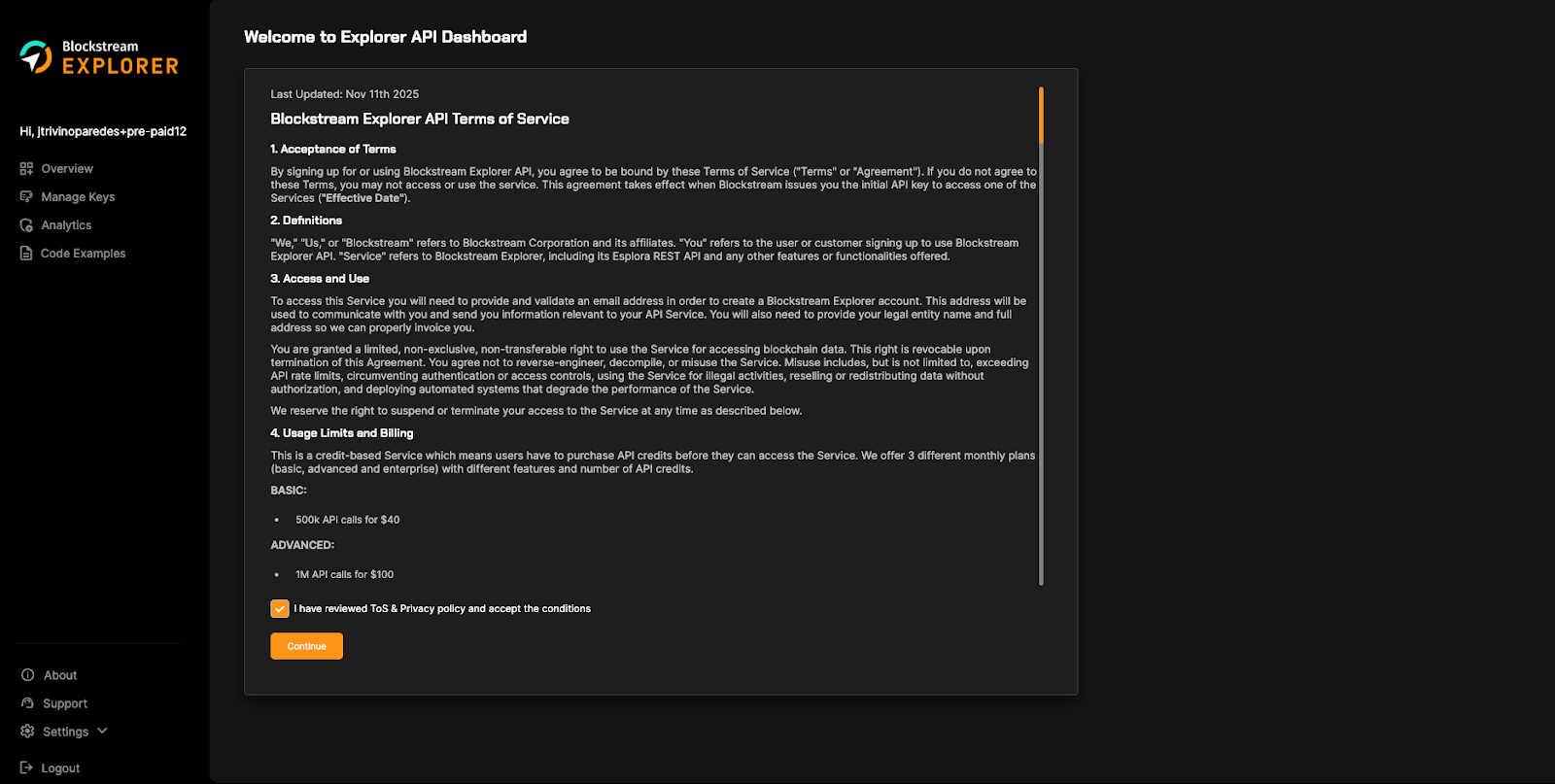
- When you log in for the first time you will be presented with the Terms of Service (ToS). Please review them and accept them to continue with your account creation.
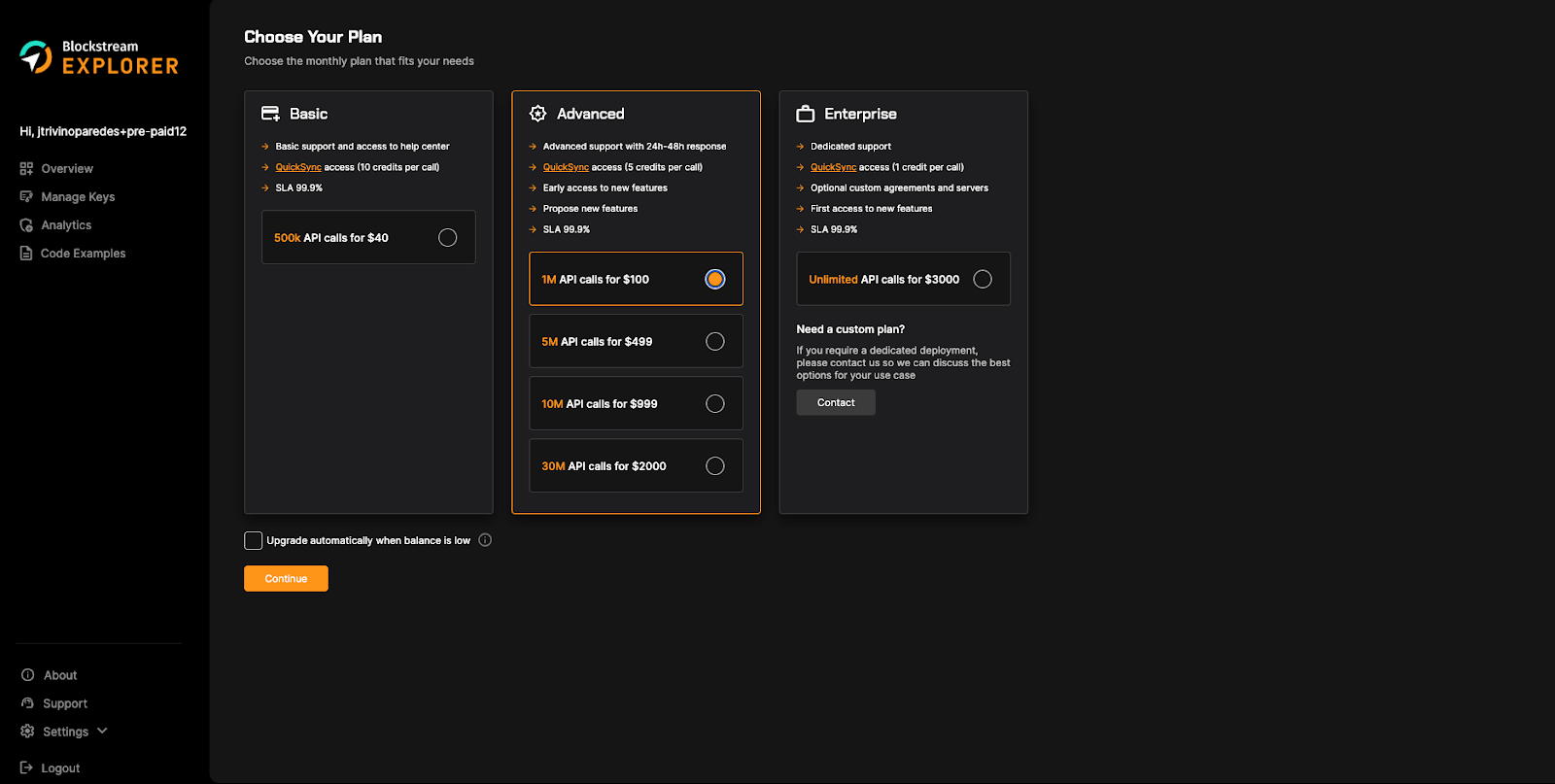
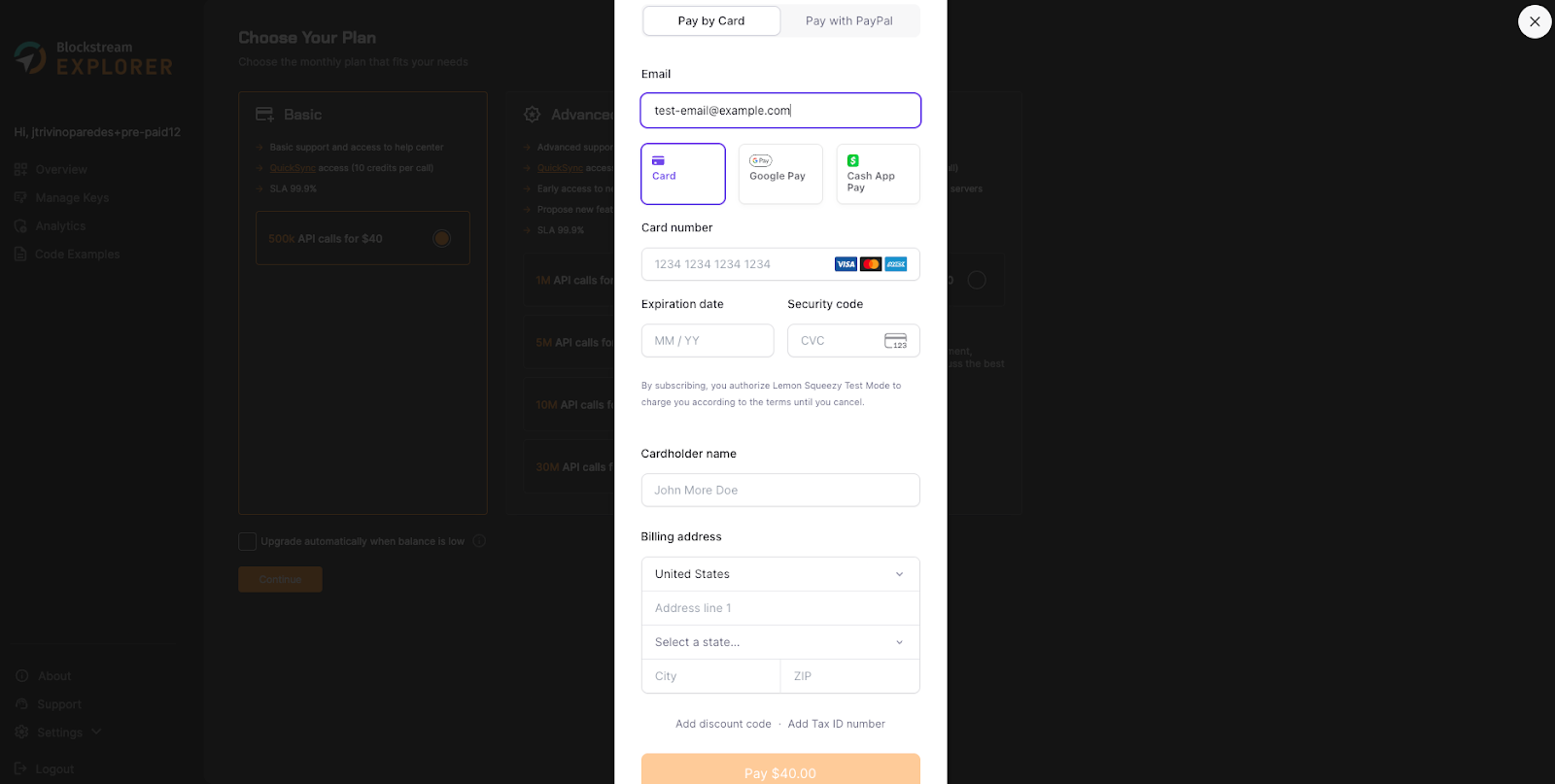
- After accepting the ToS, you will see a summary of the available plans and pricing. Take a look at the features of each plan and select the one that best fits your needs and expected volume. Click on Continue to create your subscription. A Lemon Squeezy overlay will open up so you can add your billing and credit card details. At this point, you will be charged the price of the subscription you selected, and it will renew every month unless you change your plan or cancel your subscription.
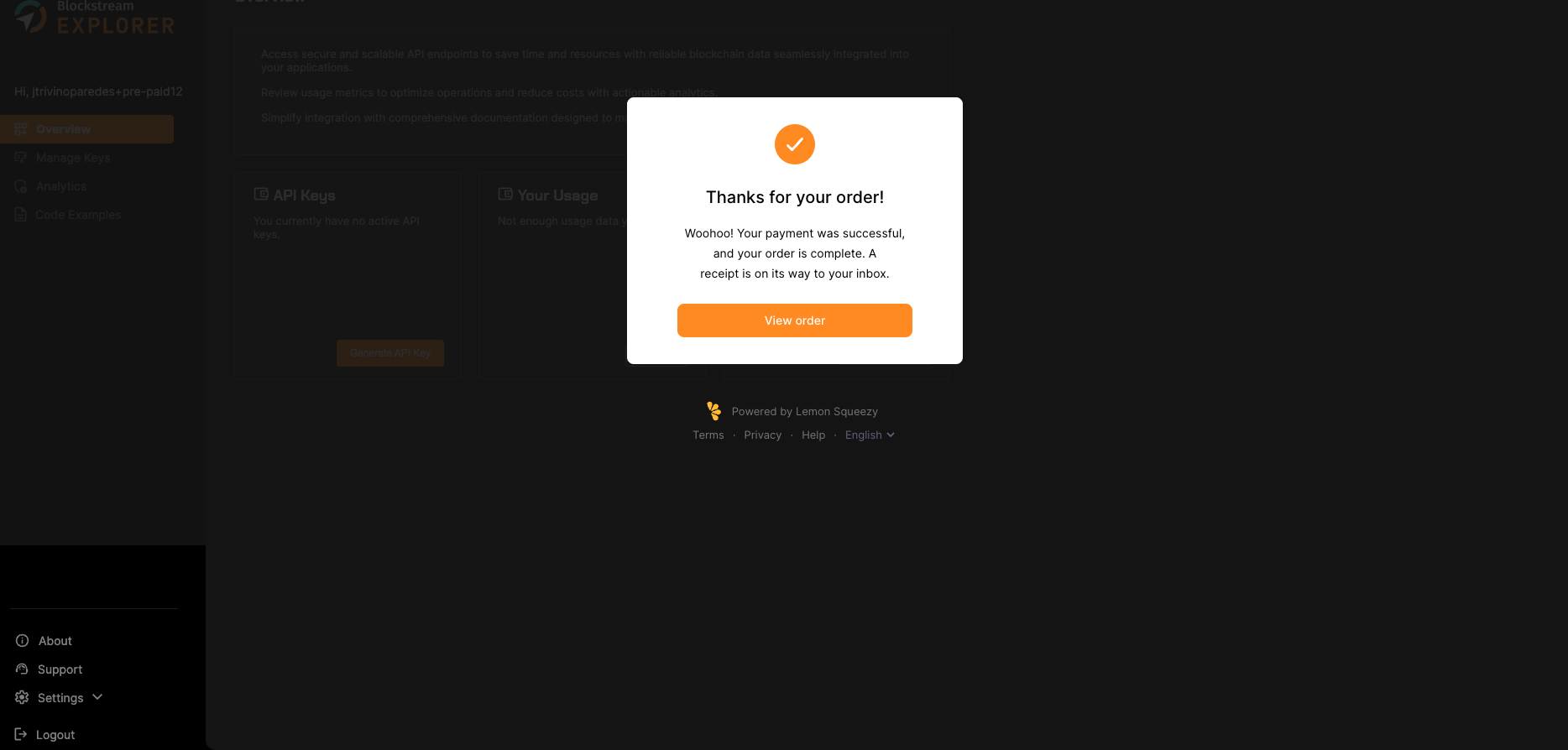
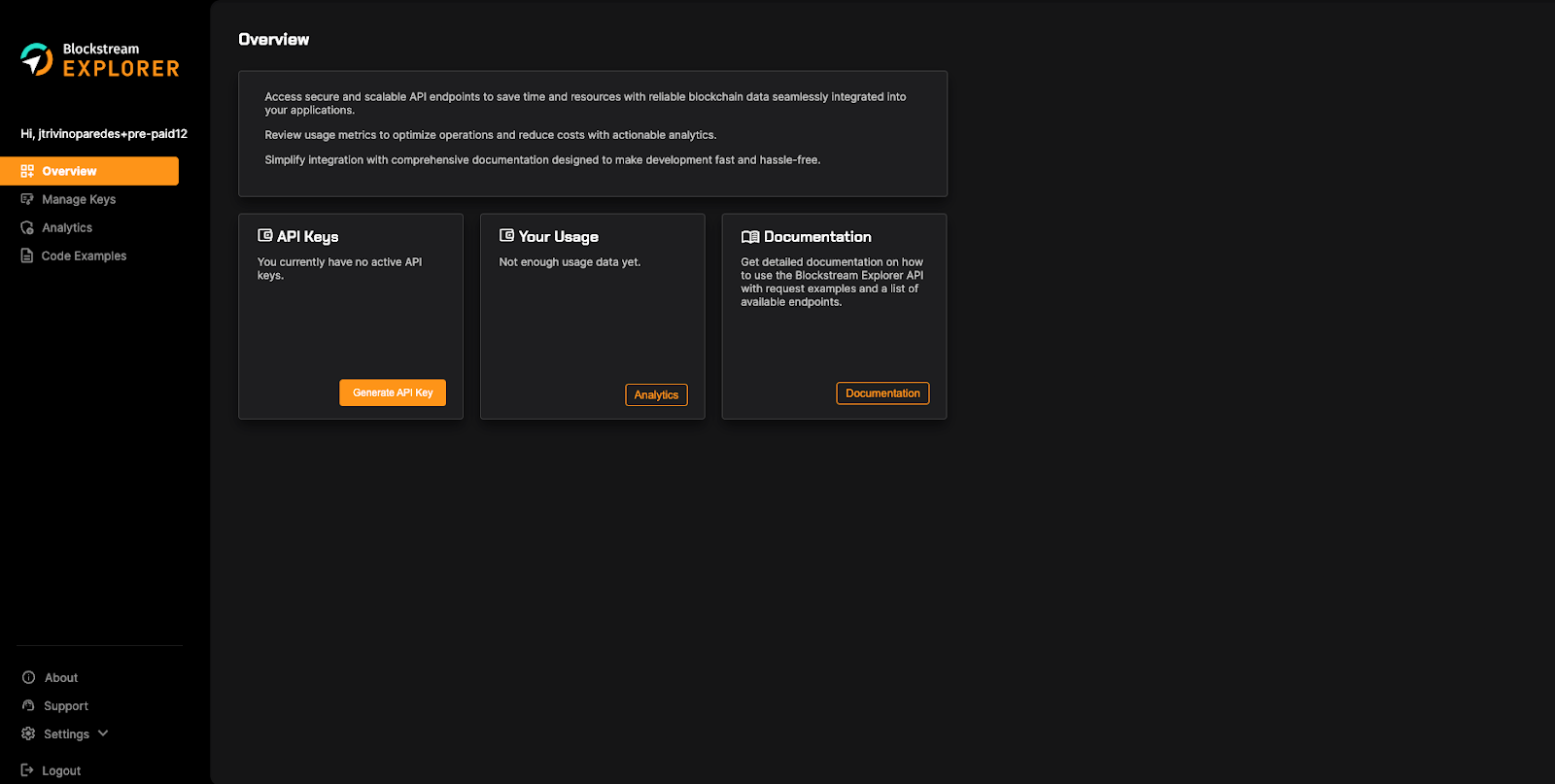
- Once the payment is confirmed, you will see a success screen. If you want to review the details of your order or need an invoice, click on View Order, which will take you to the Lemon Squeezy Customer Portal. Otherwise, you can dismiss the success screen by clicking on the top right X button, and you will be redirected to the Overview page where you can create your API keys and start using Explorer API.