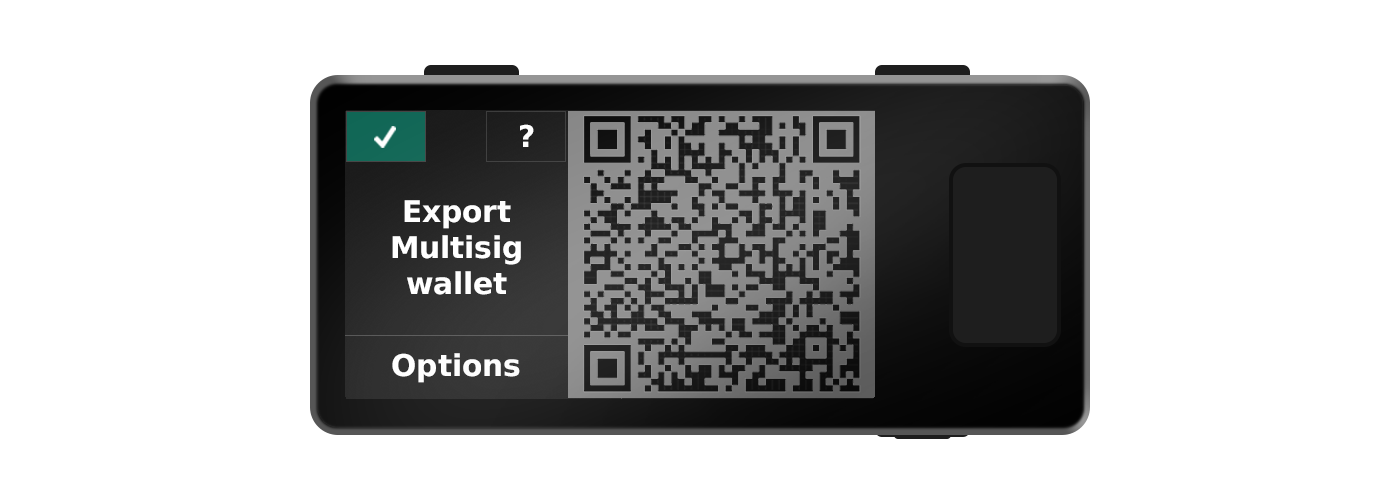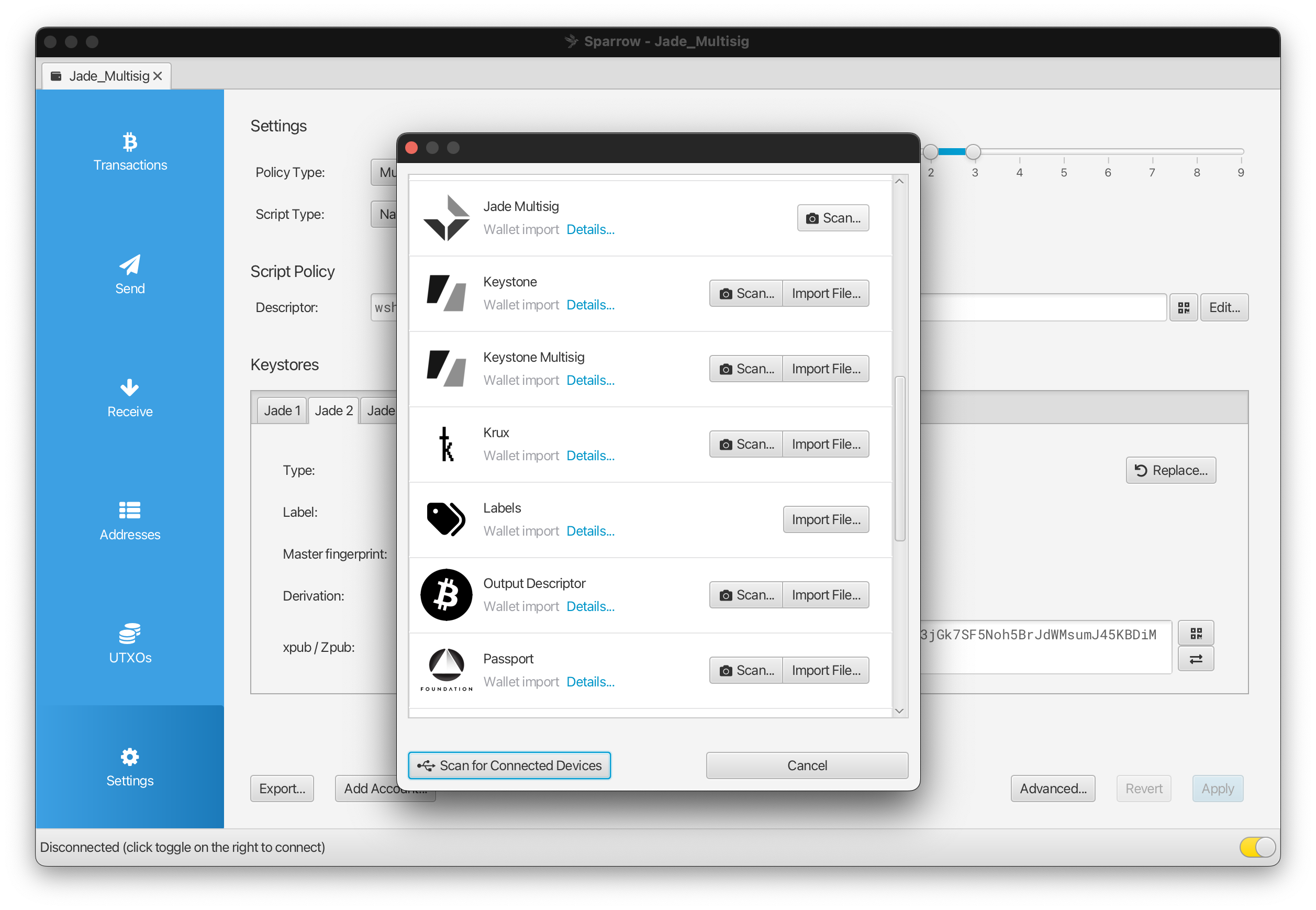
Jade has the ability to register and back up multisig configurations on the device, allowing for receive and change address verification. This also enables you to export stored configurations to your companion app so you can rebuild the multisig wallet in the event of file loss.
Tip: You can register up to eight 8-of-8 multisigs with Jade.
Backing Up Your Multisig Configuration
1.
On your companion app, set up a multisig wallet using Jade as one of the keys. Next, prompt Jade to register the wallet in one of the following ways depending on your communication method:
- USB: On your companion app, select to verify or display an address on Jade while your device is connected and active.
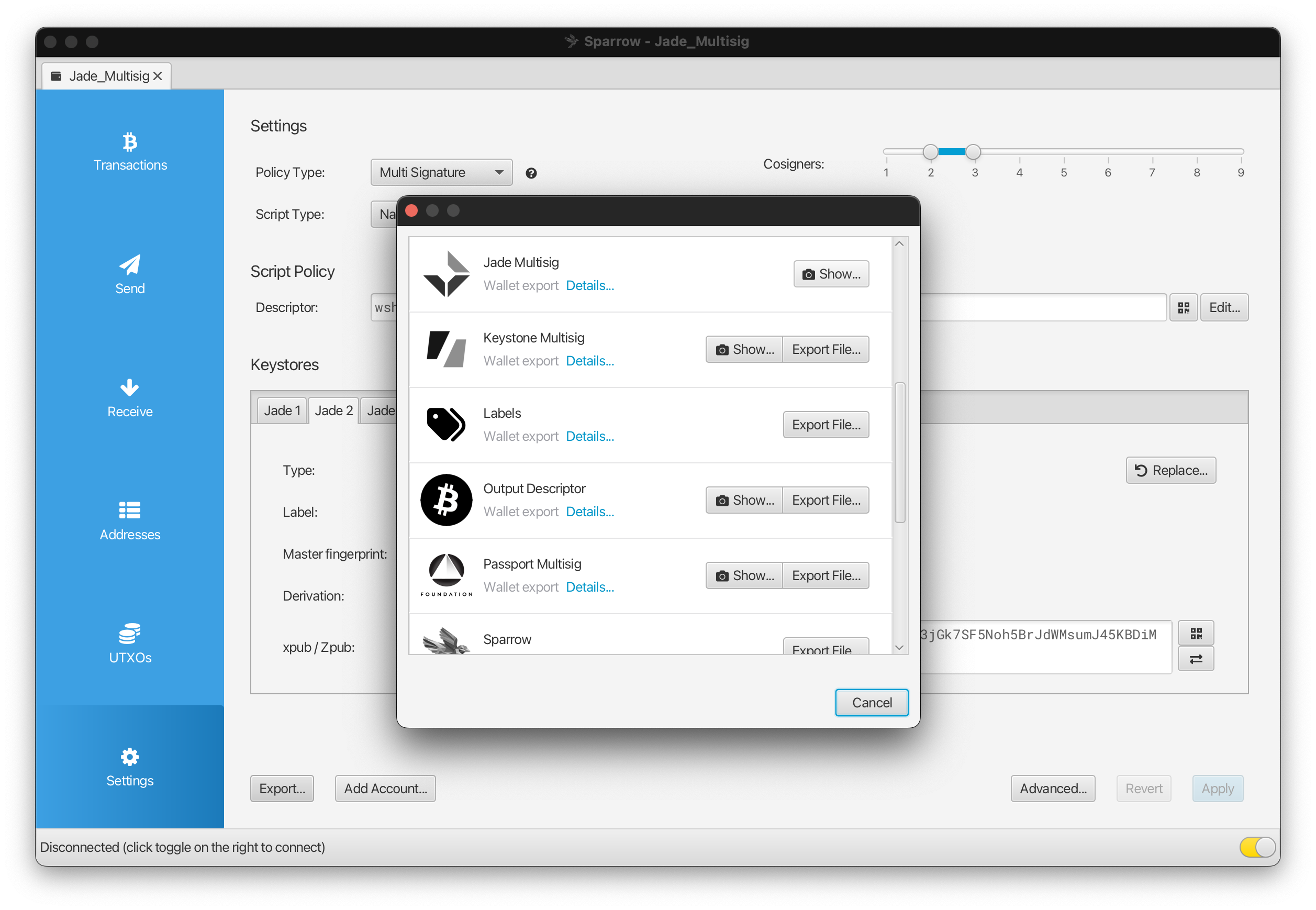
- QR: Find the option to Export your wallet configuration using QRs on your companion app, then scan the config using Scan QR on Jade during an active session.
Note: For this example, we are using Sparrow. Refer to your specific platform's documentation on how to set up multisig, as the instructions will vary.
2.
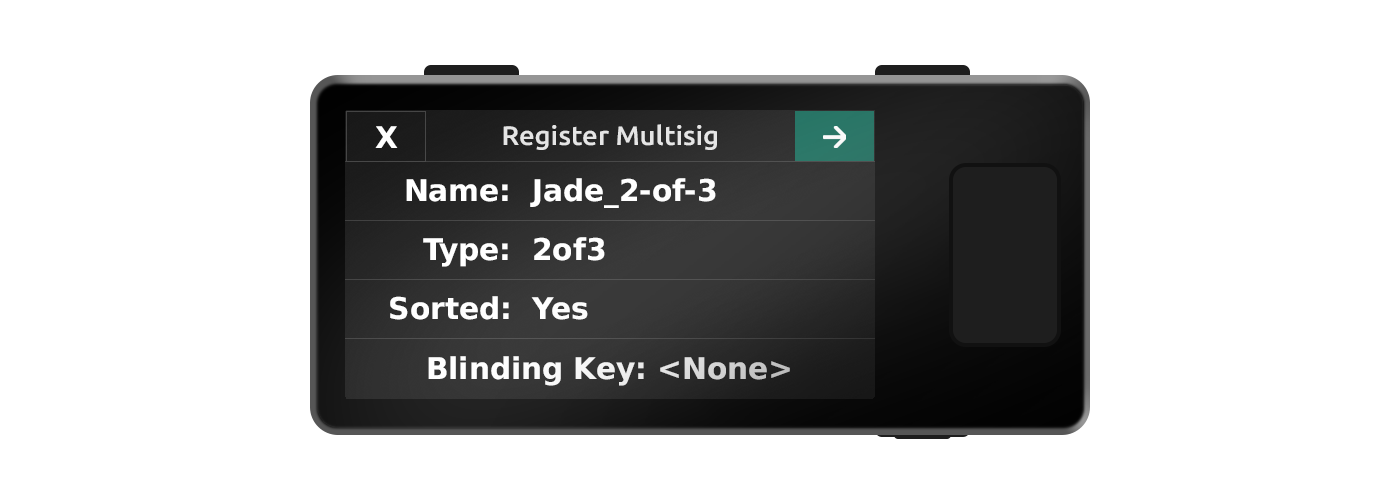
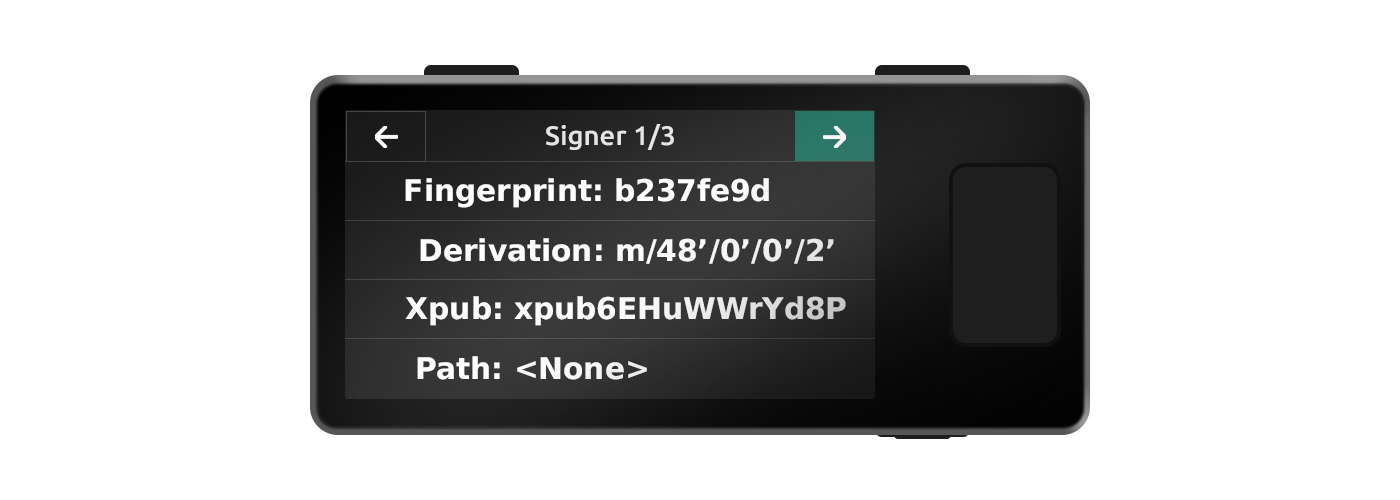
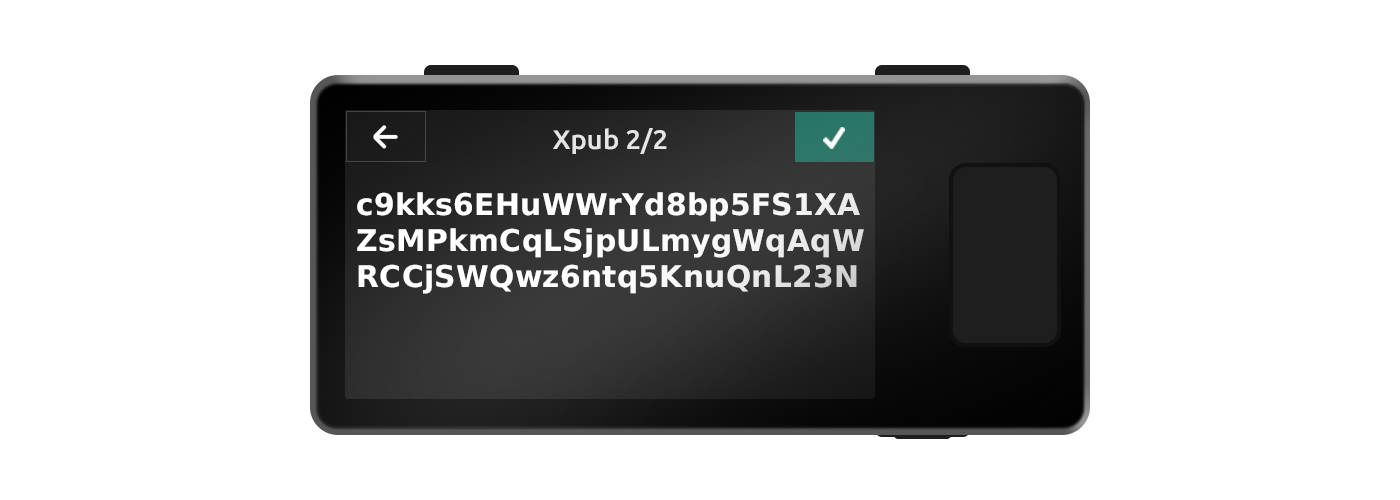
Proceed through the involved signers on Jade and confirm the relevant information for each of them. Each field is selectable and you can view full screen if desired.
3.
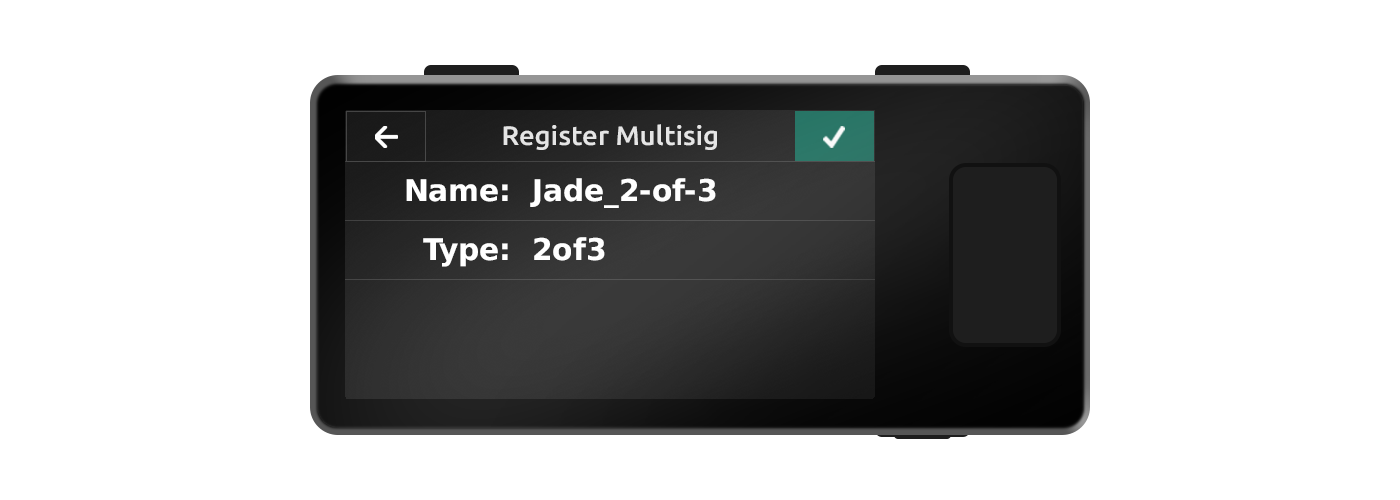
After confirming the registration, Jade will be able to verify receive addresses for this wallet and will automatically validate change addresses during signing. You can view this record later by navigating to Options → Wallet → Registered Wallets during an active session.
Exporting Your Backup
1.
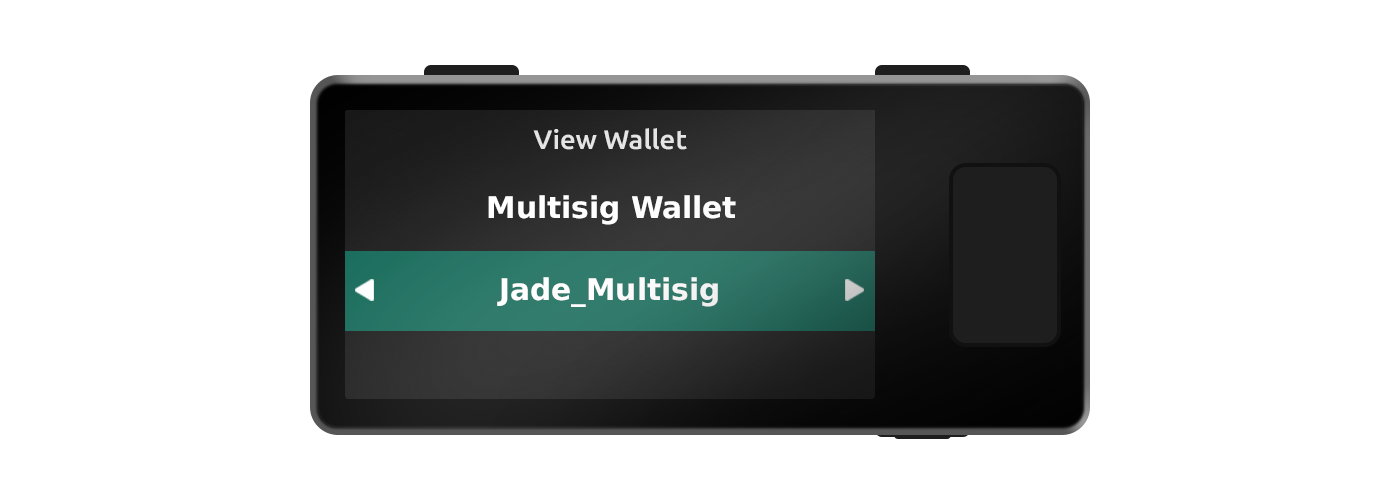
Log in to Jade and select Options → Wallet → Registered Wallets. Select the registered multisig file you would like to export.
2.
Choose Export on Jade and find the option to import a wallet on your companion app. Scan the QR codes using your companion device until it successfully reads the file and rebuilds the multisig wallet.