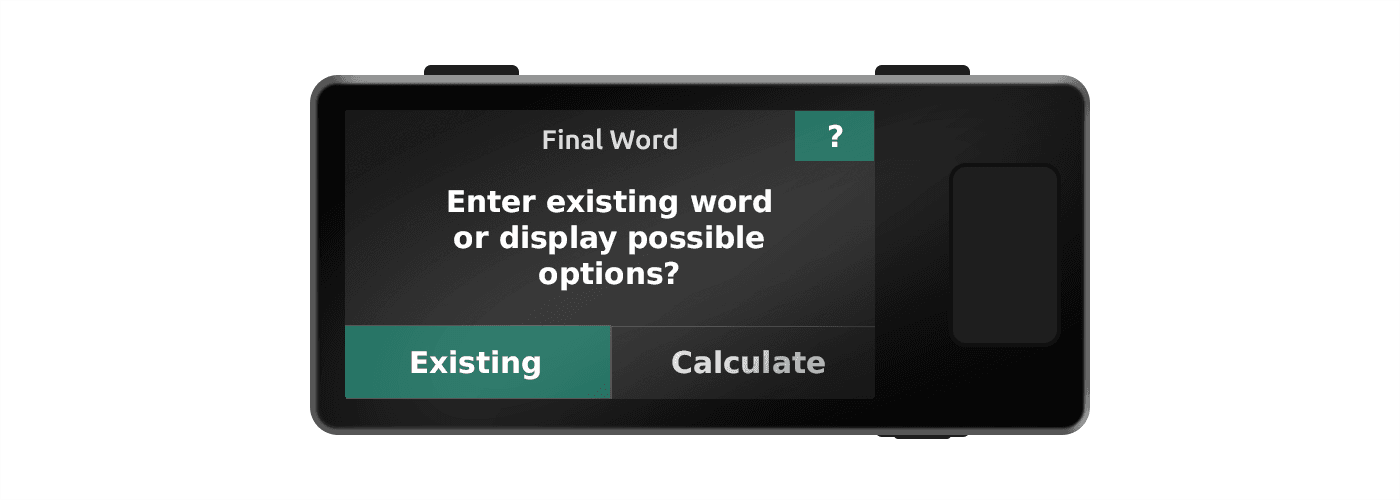
Your Jade allows users to enter the first 11 or 23 words of a BIP39 recovery phrase, and will automatically calculate possible options for their final word. This is helpful for users who want to generate entropy manually (such as by rolling dice) to create a recovery phrase, but still need a safe way to calculate valid final word options.
First, view our guide to create a recovery phrase using dice rolls. You will need it to refer to the lookup table for corresponding words based on your dice rolls. Then, use your Jade to calculate the final word.
Tip: Keep in mind that you can use any alternative method that requires final word calculation, and this feature is not limited to the method shown in the linked guide.
Calculating Final Word
1.
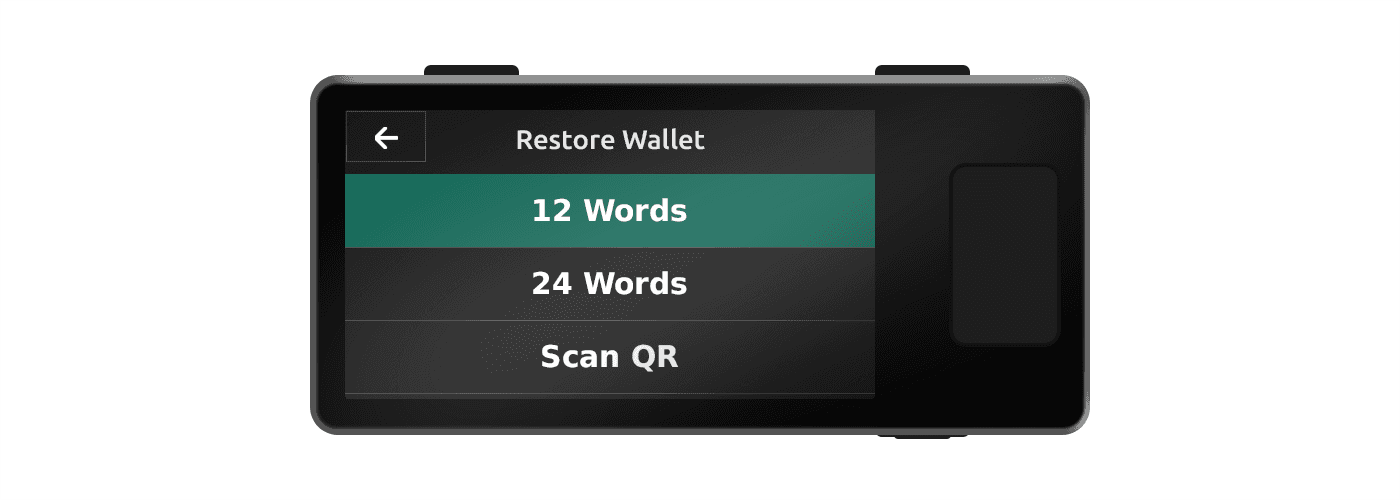
Turn on Jade and choose one of the following paths:
- Setup Jade → Advanced Setup → Restore Wallet → 12/24 Words
- Options → Temporary Signer → 12/24 Words
2.
Enter the first 11 or 23 words of your user-generated recovery phrase, then select Calculate when prompted. The keyboard for the final word will restrict your entry only to valid options. The Existing path is used if you already have a 12th or 24th word and want to enter that specifically.
Tip: The keyboard for the final word entry will automatically start on a random letter. After choosing 1-2 letters, Jade will display the remaining list of options and will also begin its selection on a random word. Simply click through the calculation section if you would like Jade to randomly select a final word for you.