
AMP assets require special authorization from the token issuer in order to receive and send. You must have an AMP ID whitelisted with the issuer before you can successfully receive AMP assets to your Liquid wallet.
Desktop
1.
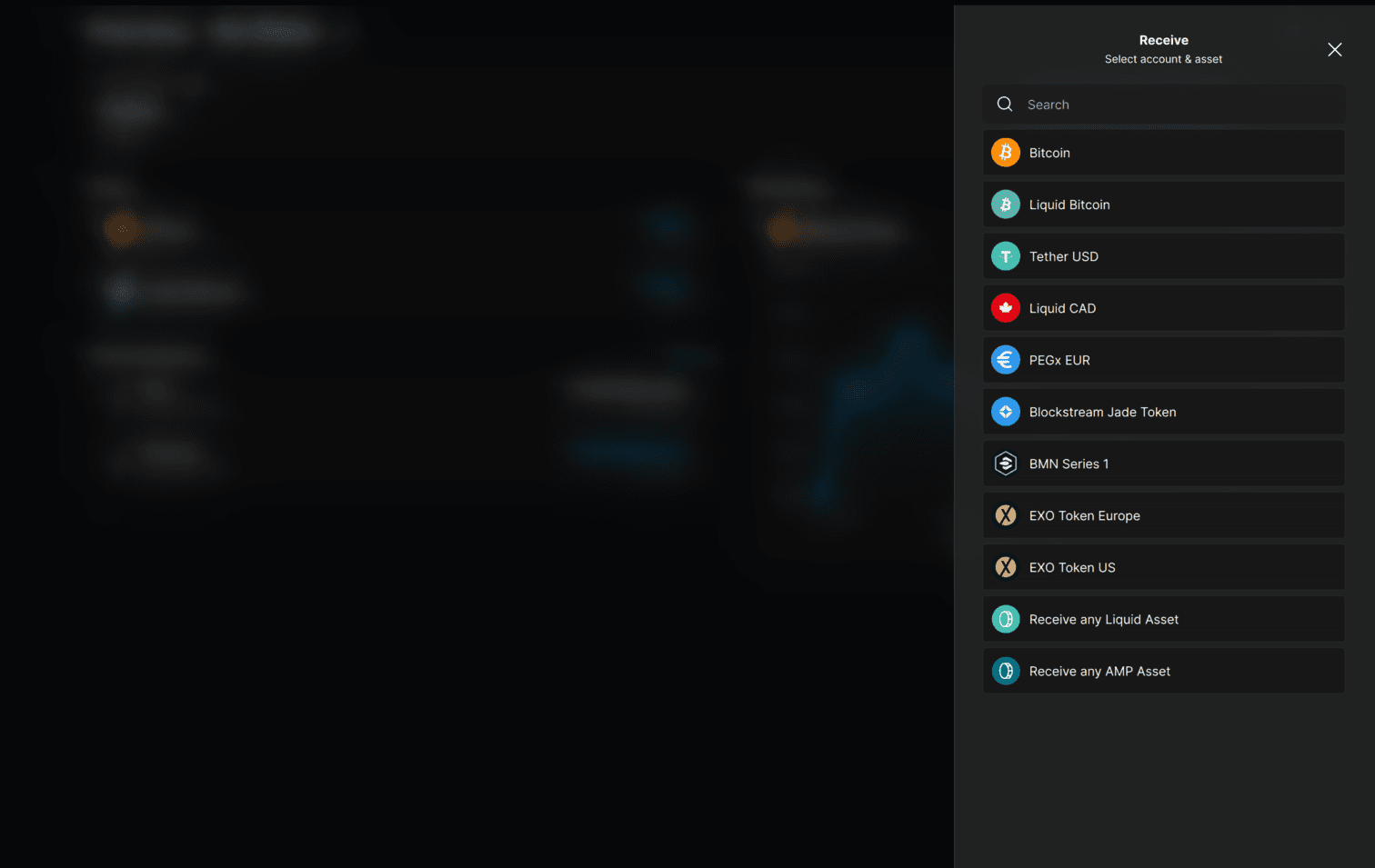
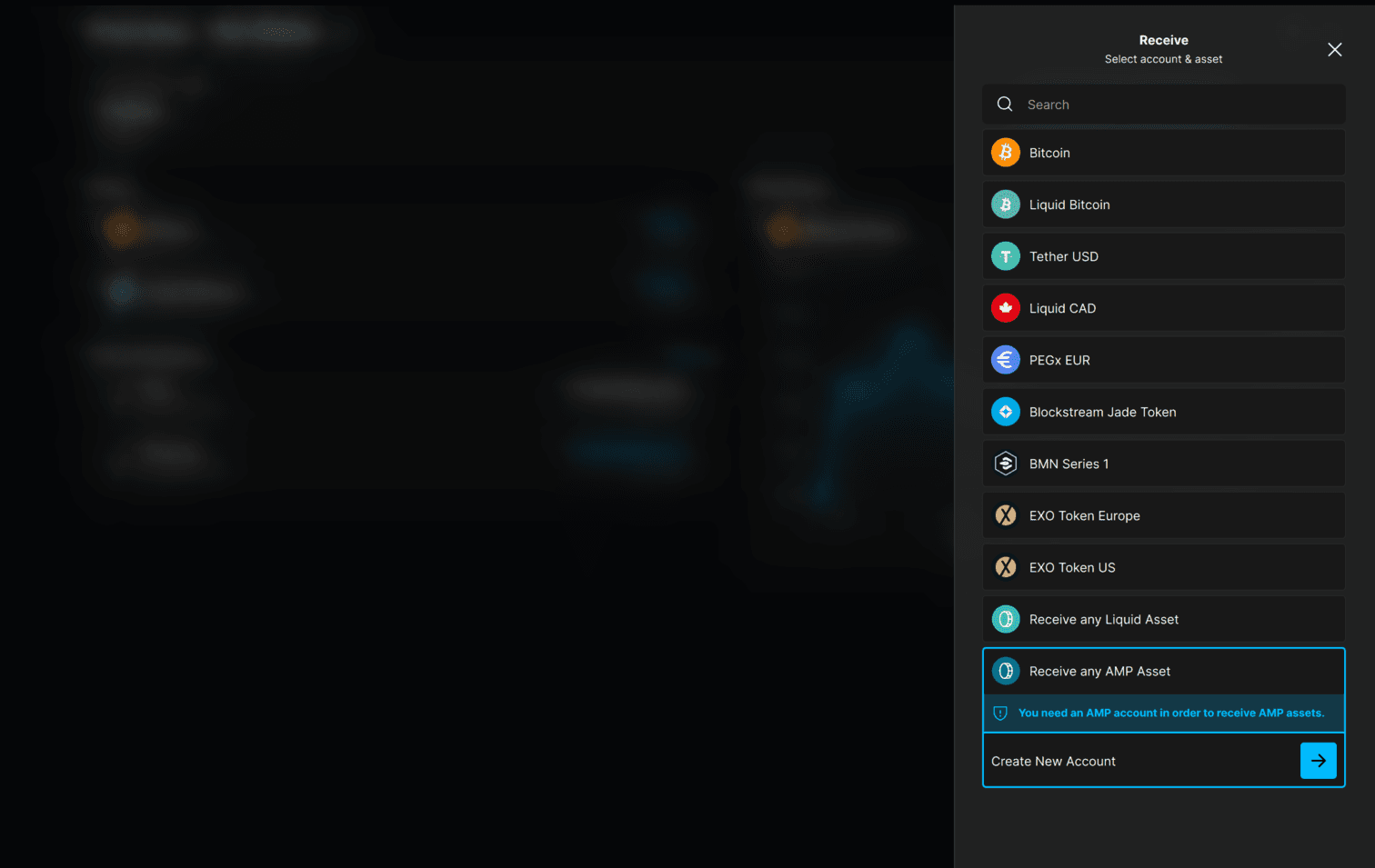
Open the Blockstream app and open your Liquid wallet. Select Receive, then select the AMP asset you want to receive, or select Receive any AMP Asset. If you do not have an AMP account yet, select Create New Account and confirm the AMP account type.
2.
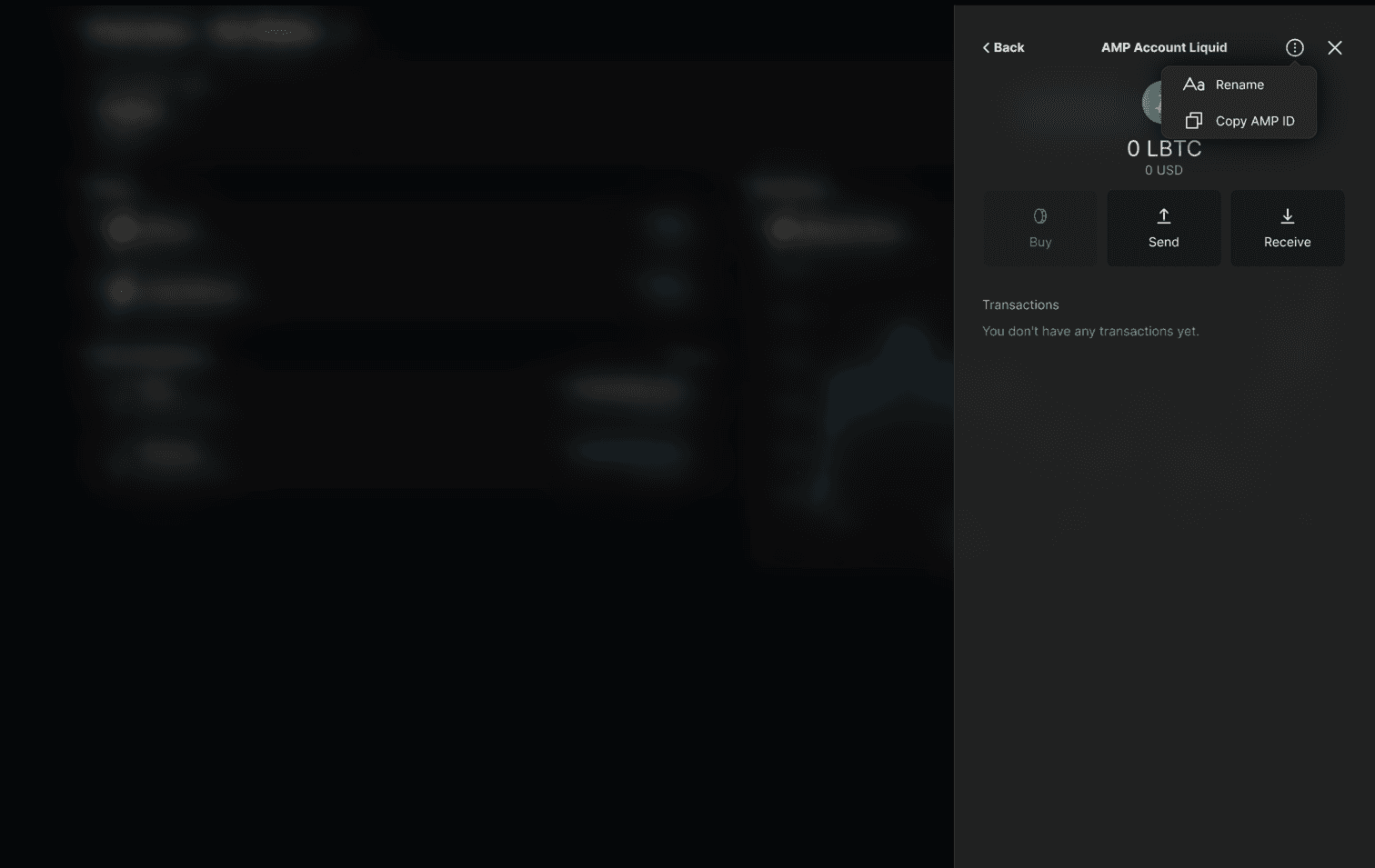
Open your AMP account, select the options menu, and choose Copy AMP ID. Share your AMP ID with the token issuer so they can whitelist it.
3.
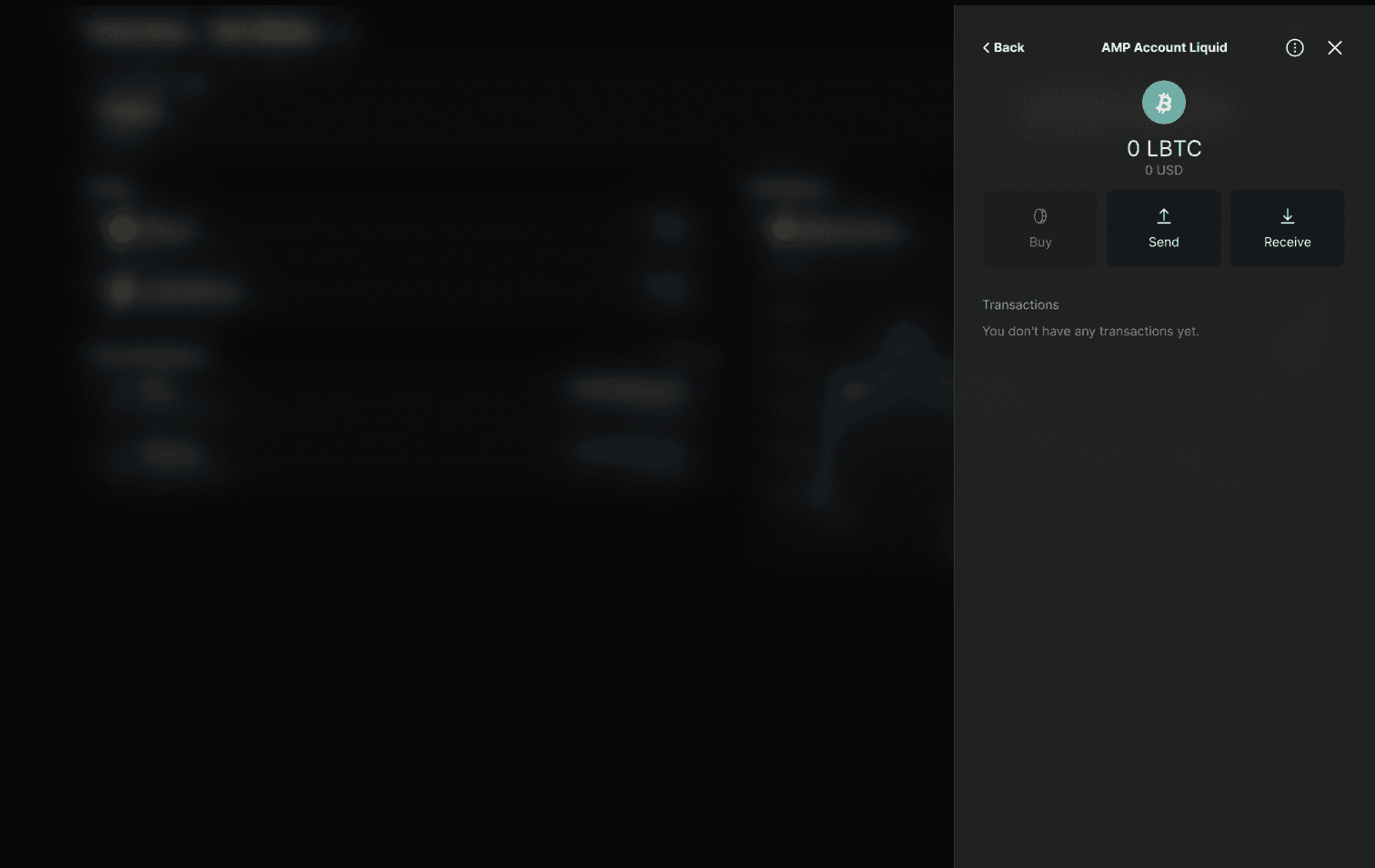
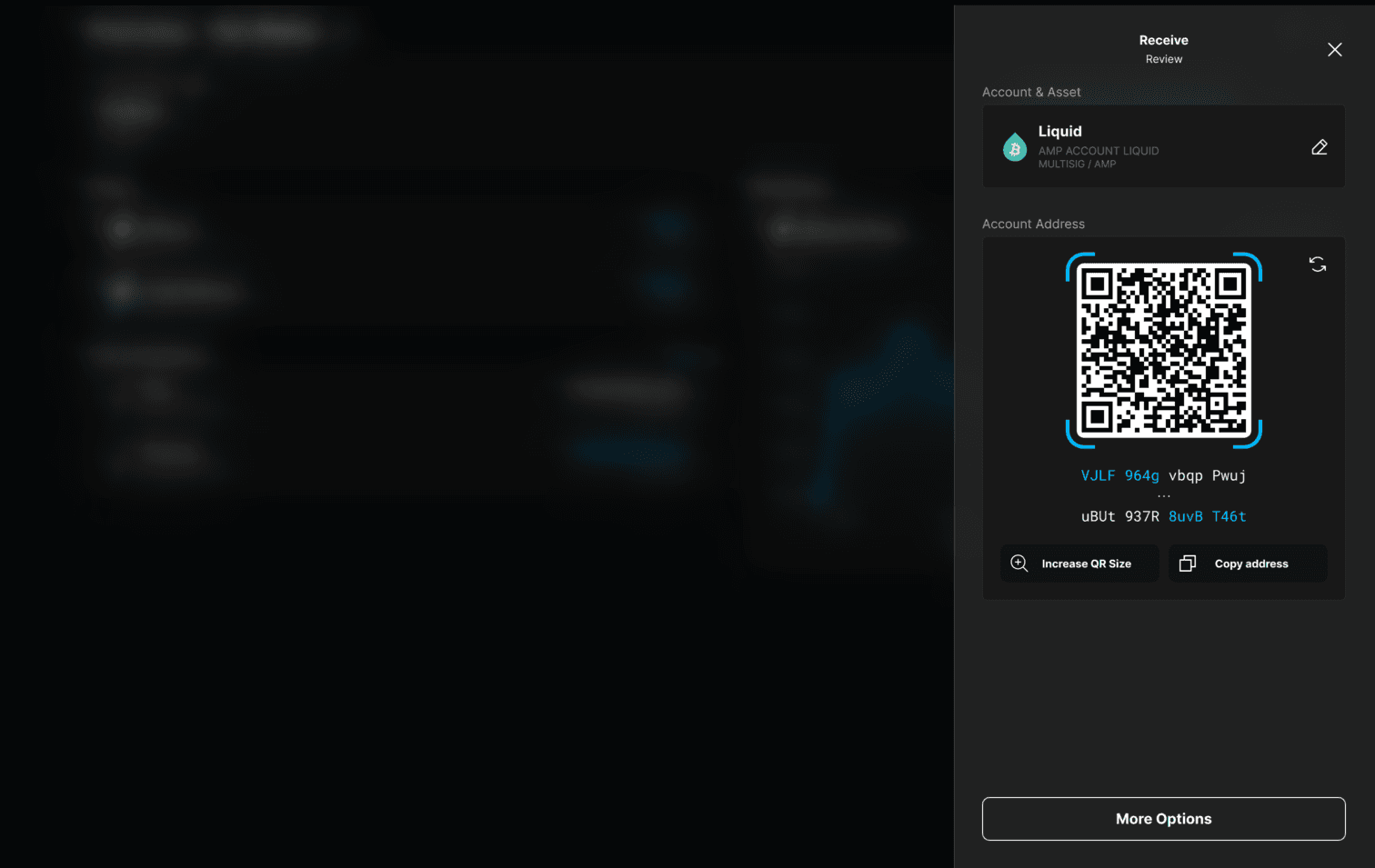
After the token issuer has successfully whitelisted your AMP ID, open your AMP account and select Receive.
4.
Select Copy address, then share this address with the platform that is currently holding your AMP asset to request a withdrawal.
Tip: You can use Liquid addresses to receive every type of Liquid asset, so there is no need to generate one specific to yours.
5.
After the platform processes your request, return to the home page of your Liquid wallet where you have now taken self-custody of your AMP asset.